Answer automatically · Chat Flows
Start more chats automatically
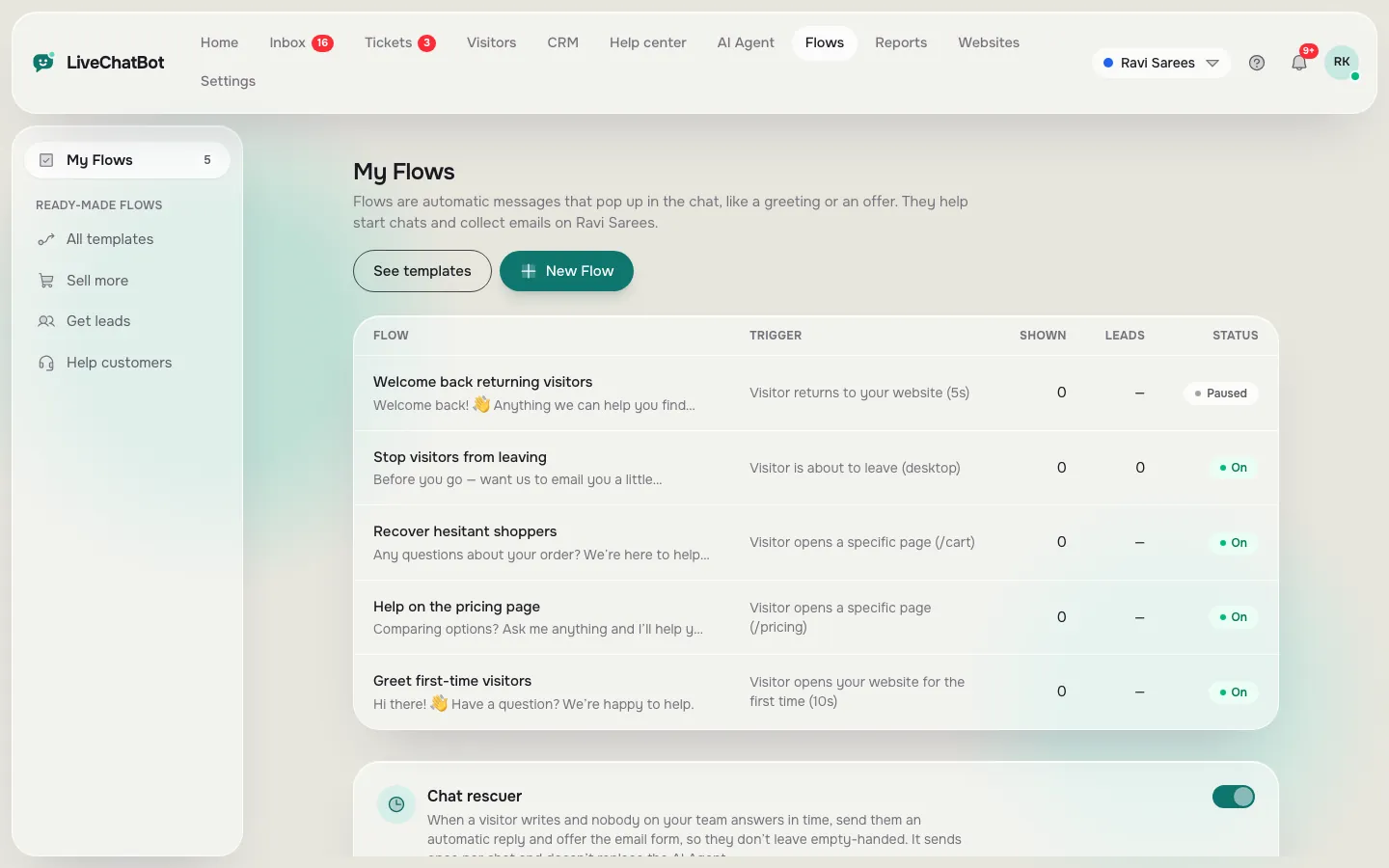
Flows pop up a message in the chat when something happens: a first visit, time on a page, a pricing or cart page, a returning visitor or someone about to leave.
How you’ll use it
What you actually do in LiveChatBot, step by step.
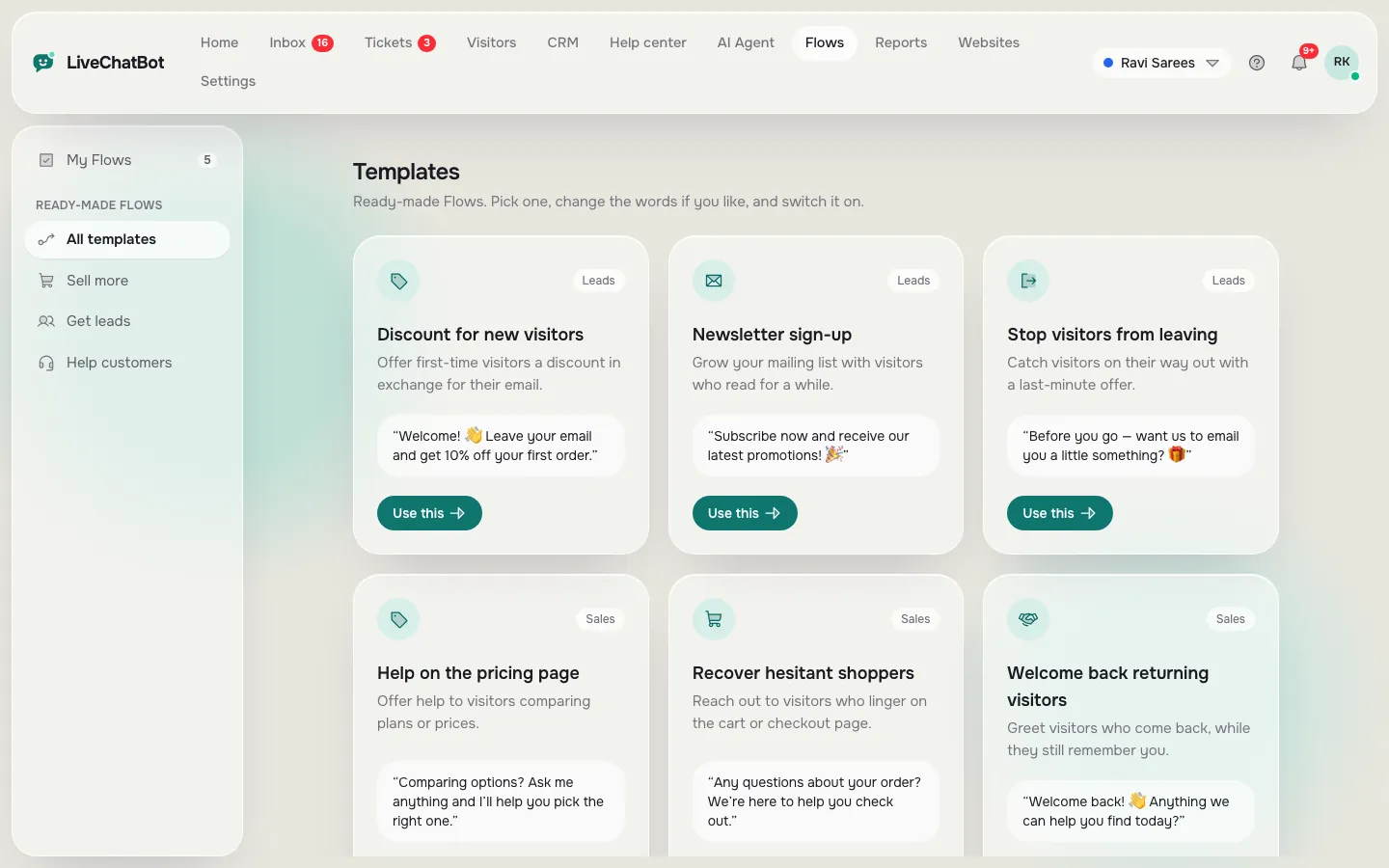
Pick a template
Discount for new visitors, help on pricing, cart nudge, exit offer and more.
Change the words
Edit the message, button and when it fires.
Switch it on
Watch shown, clicked and leads for each Flow.
What you’ll see
Real screens from the LiveChatBot panel, shown with sample data. Tap any picture to see it full size.
What it does
Triggers
First visit, time on page, page address, returning visitor and exit intent.
Conditions
Only show to some countries, devices or sources.
Ask for contact details
Add an email and phone box and a button to collect leads.
Follow-up
Send a second message if they don’t answer.
Questions about Chat Flows
What is a chat Flow?
An automatic message that pops up in the chat when a visitor does something, like opening your pricing page.
Can a Flow collect emails?
Yes. Turn on the email box and set the button text. It asks for an email and a phone number.
Works well with
Lead capture
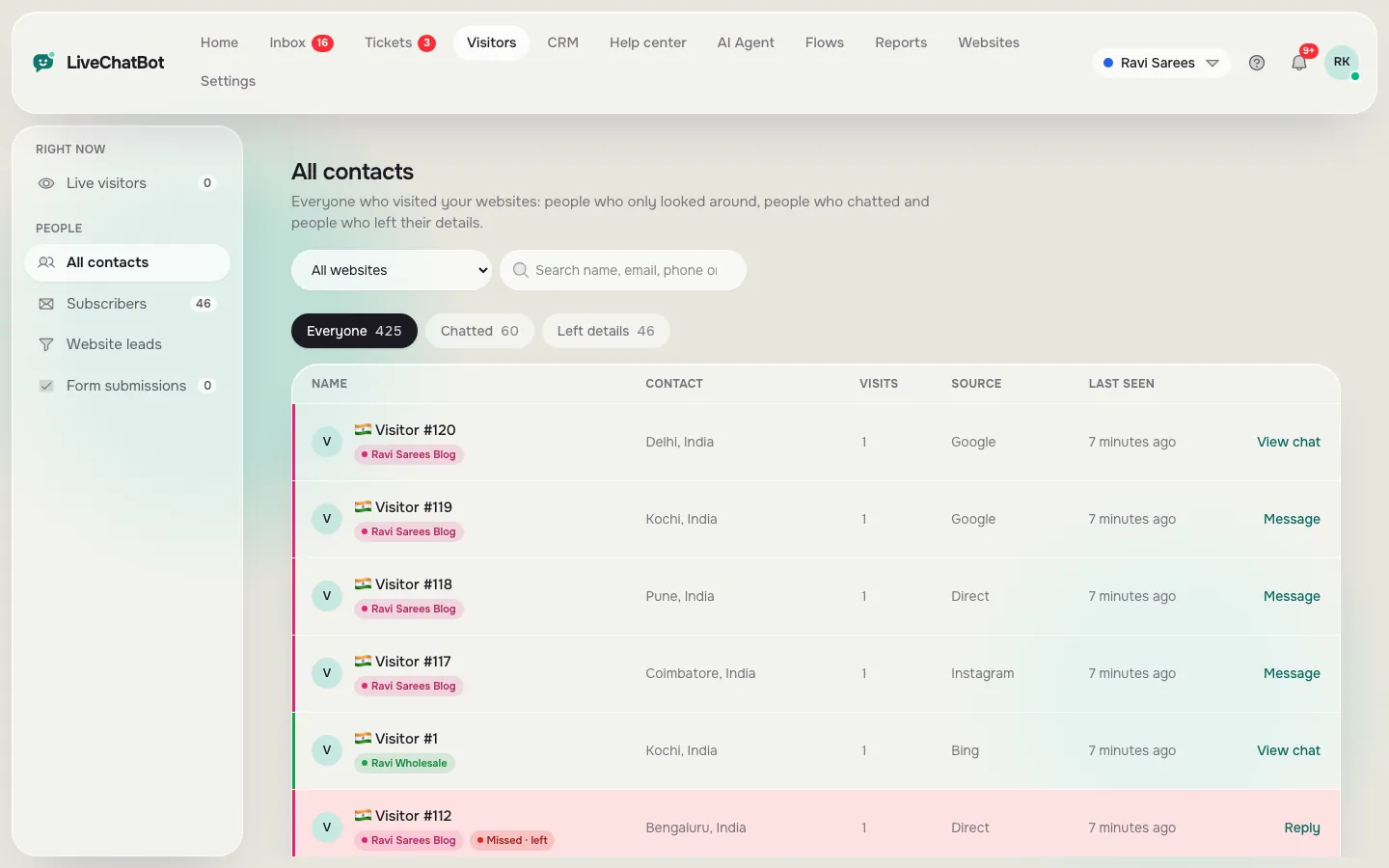
Collect emails and phone numbers from chats, Flows and your own forms.
See how it works →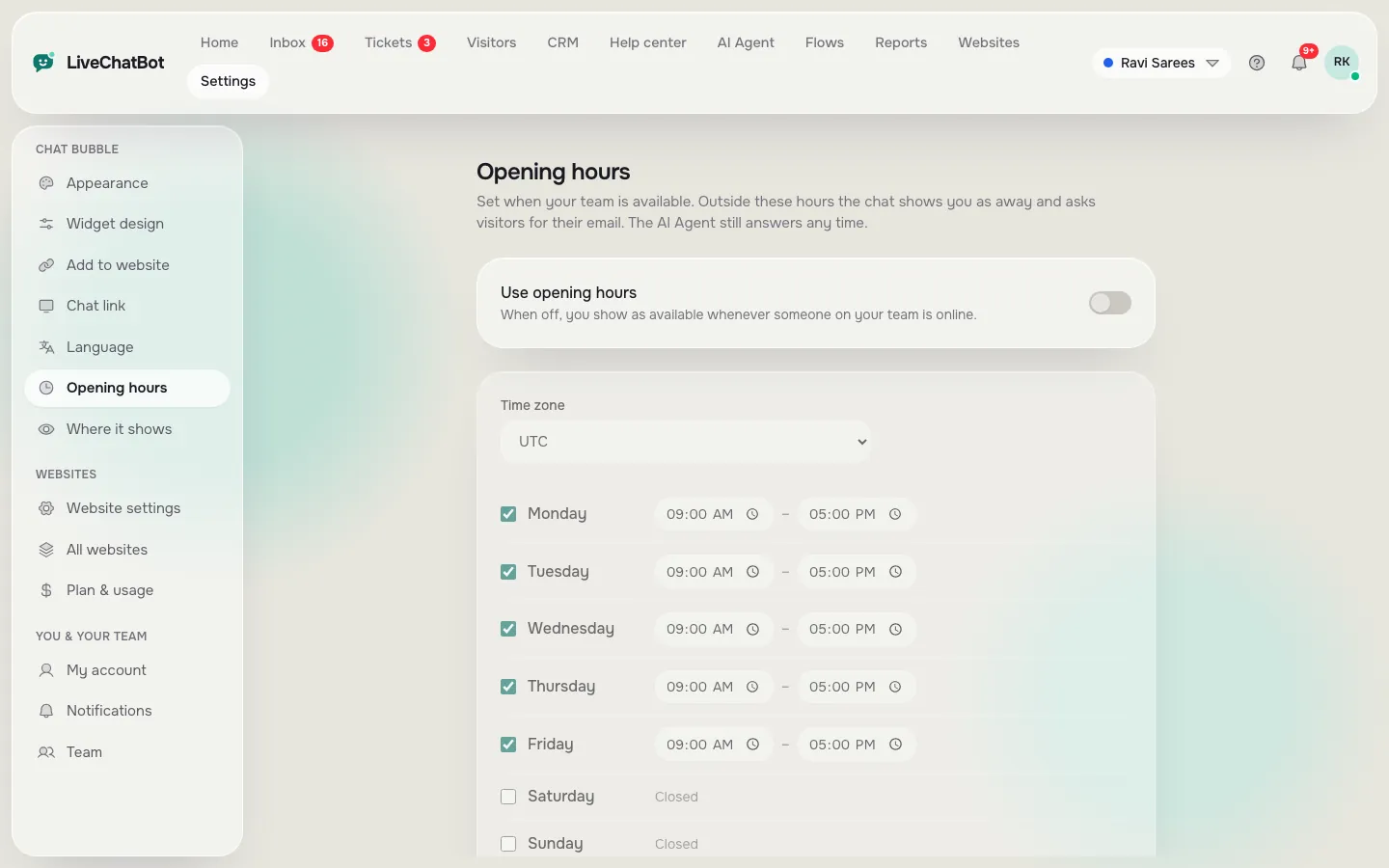
Away messages and chat rescuer
Opening hours, away form and an automatic reply when nobody answers.
See how it works →
AI Agent
Answers common questions from your own content, day and night.
See how it works →