Talk to visitors · Chat link
A chat page you can share anywhere
Every website gets its own chat link. Put it in your Instagram bio, a WhatsApp message, an email signature or a printed QR code. People open it and chat with you, with no website needed.
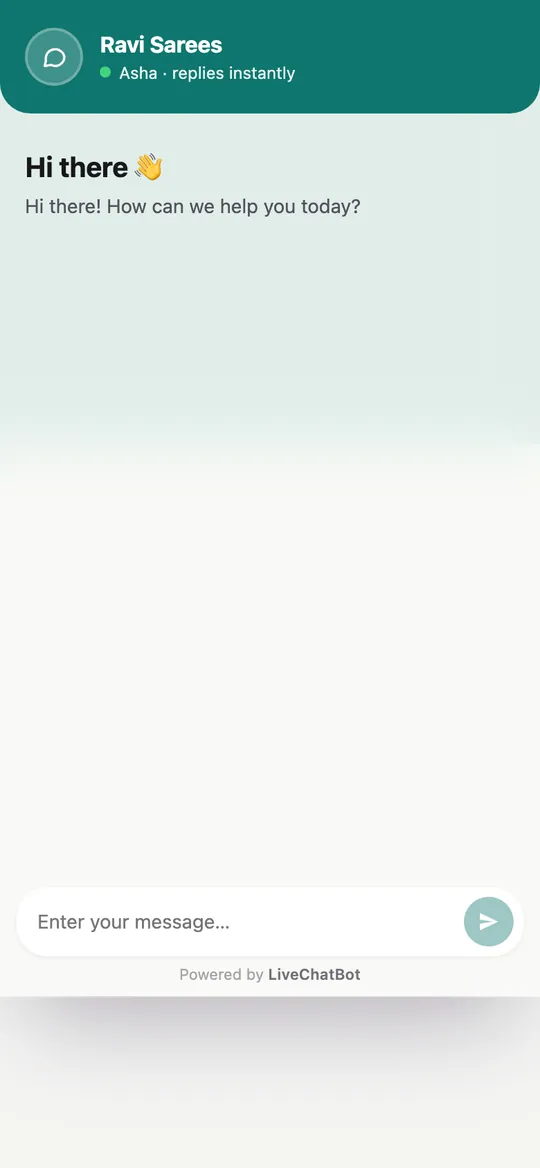
How you’ll use it
What you actually do in LiveChatBot, step by step.
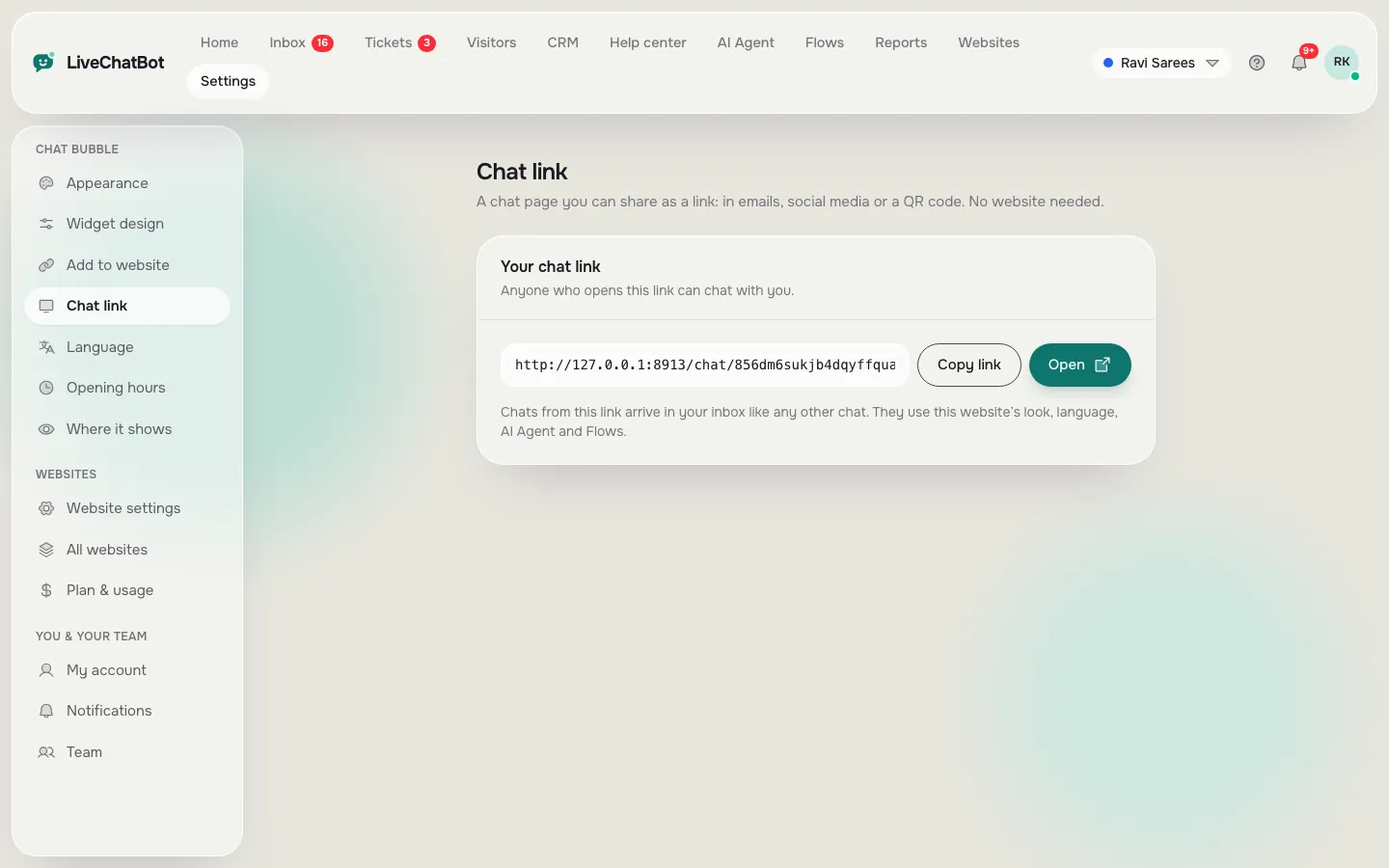
Open Settings → Chat link
Copy your link or open it to see the page.
Share it
Paste it in your bio, messages, emails or turn it into a QR code.
Answer in the inbox
Chats from the link arrive in your inbox like any other chat.
What you’ll see
Real screens from the LiveChatBot panel, shown with sample data. Tap any picture to see it full size.
What it does
Same look
It uses the website’s colours, language, AI Agent and Flows.
No website needed
Useful for shops that sell on Instagram or WhatsApp.
Same inbox
Your team answers link chats and website chats in one place.
Questions about Chat link
Do I need a website to use the chat link?
No. Create a website entry in LiveChatBot and share its chat link. The chat works on its own page.
Does the AI Agent answer on the chat link?
Yes. The link uses the same AI Agent and Flows as the website.
Works well with
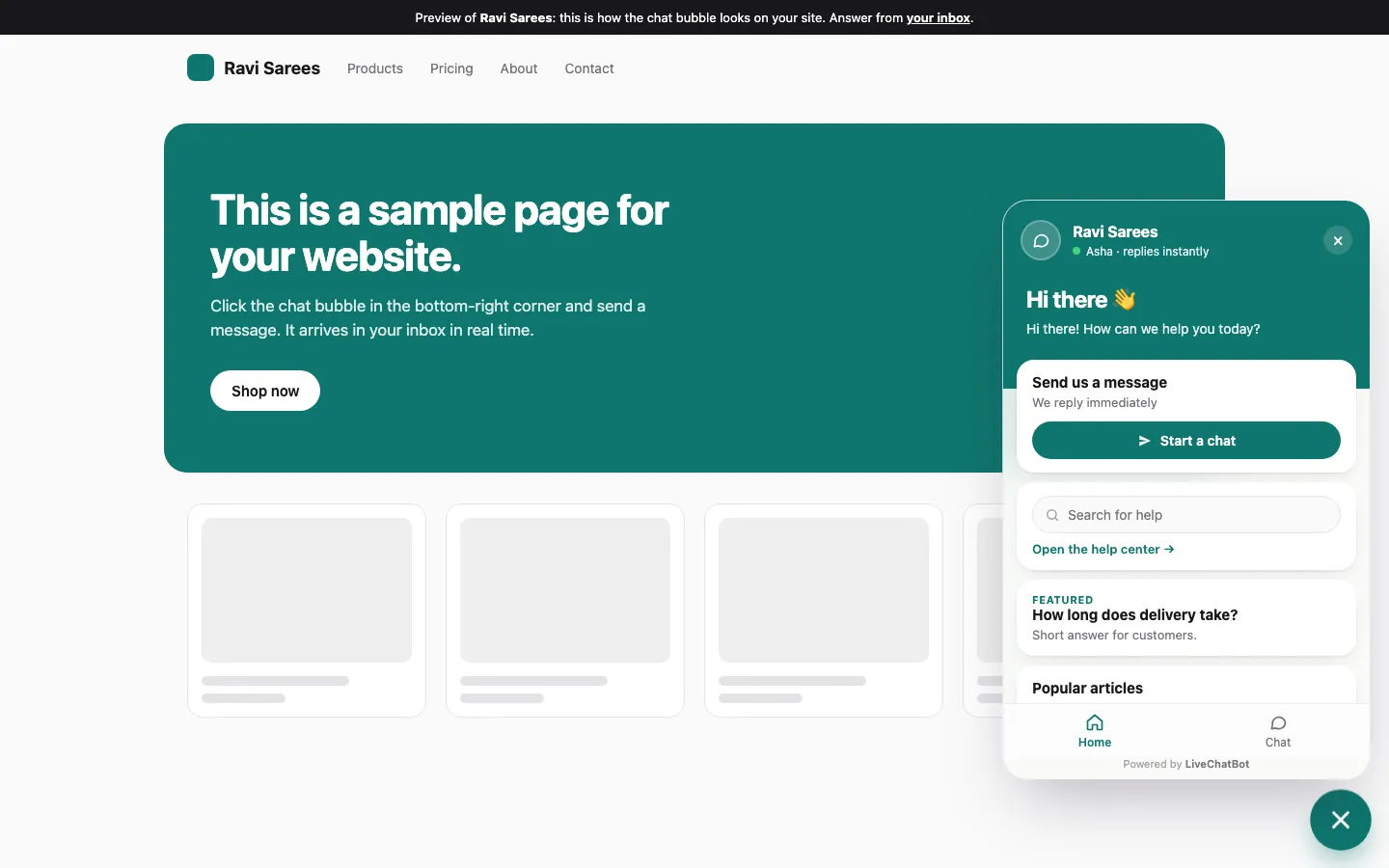
Live chat widget
A light chat bubble for any website, on desktop and phone.
See how it works →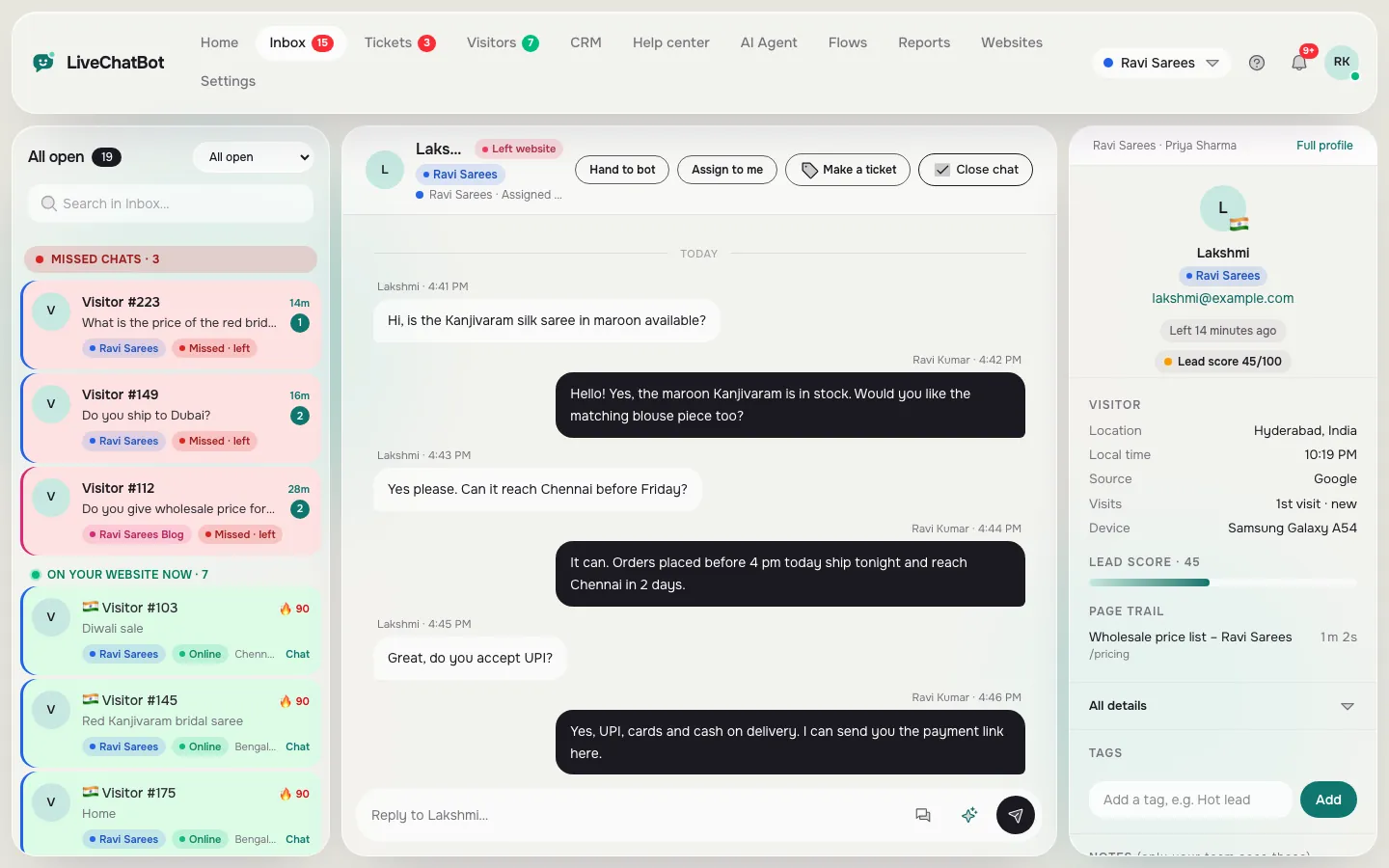
Shared inbox
Every chat from every website in one inbox, with the visitor beside it.
See how it works →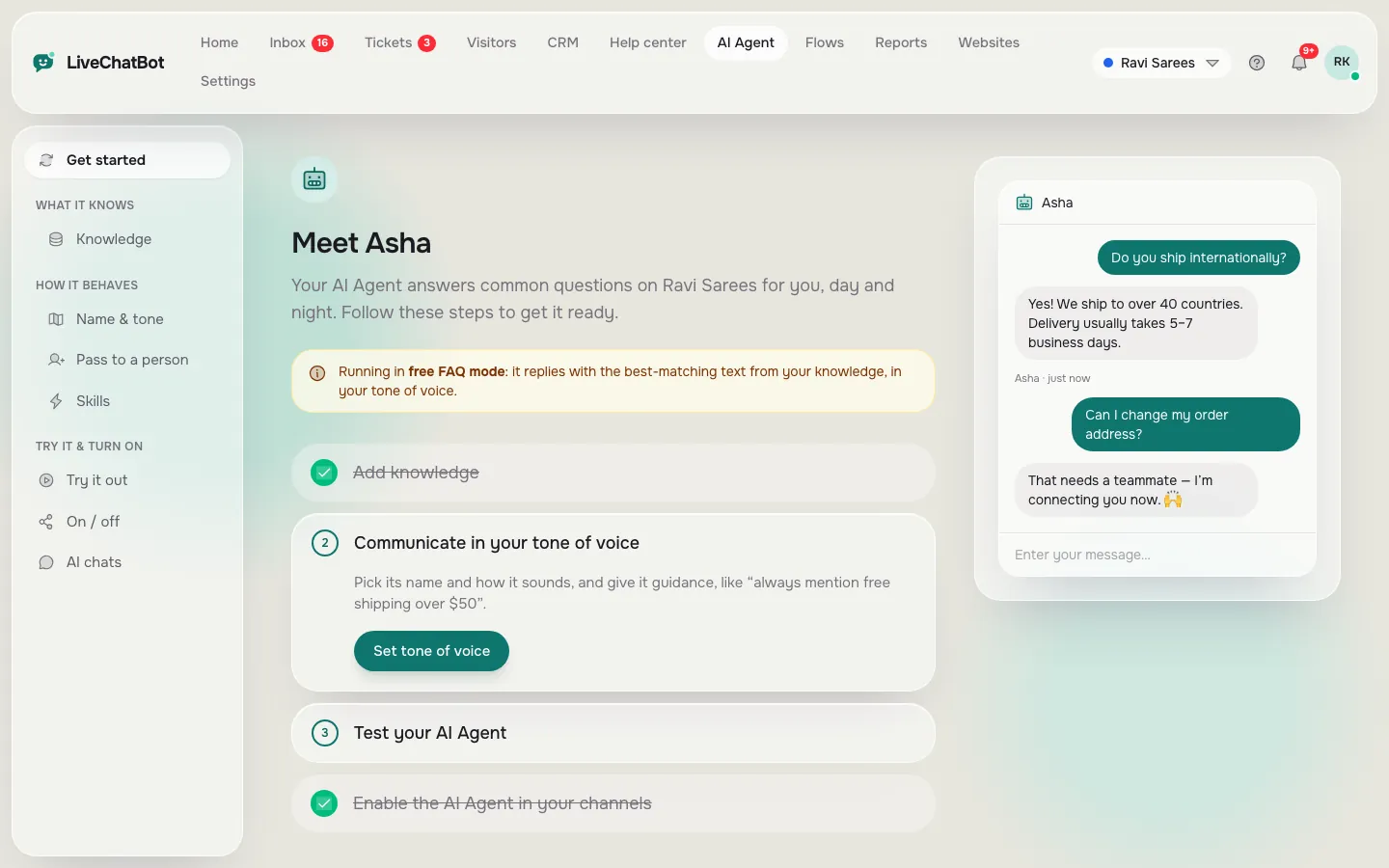
AI Agent
Answers common questions from your own content, day and night.
See how it works →