Know your visitors · Reports
Numbers that show what chat brings you
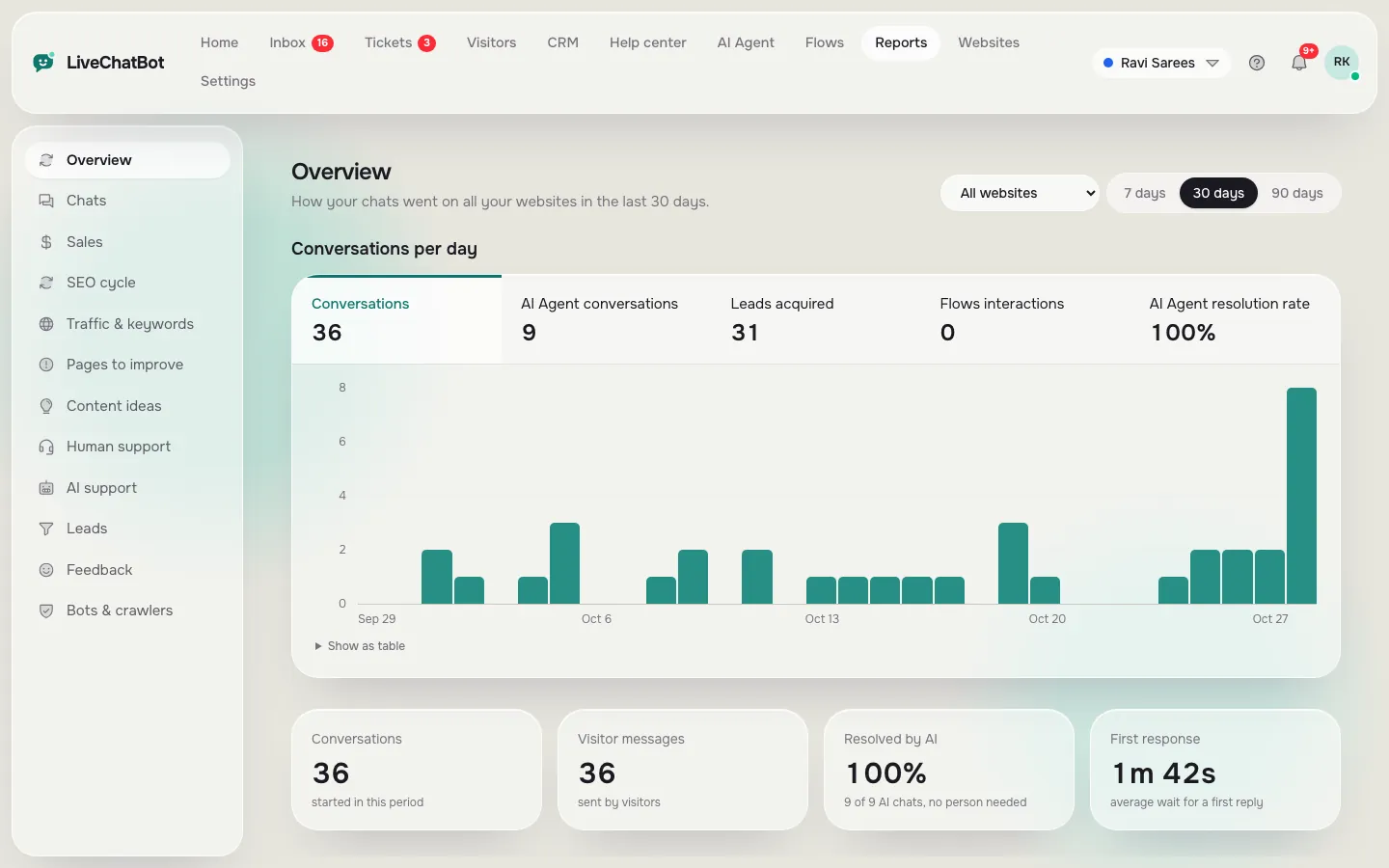
Reports show how many chats you got, how fast you replied, how many the AI Agent solved, your busiest hours, where visitors came from and which pages need work.
How you’ll use it
What you actually do in LiveChatBot, step by step.
Open Reports
Pick a website or all of them, and 7, 30 or 90 days.
Check the basics
Chats, first reply time, missed chats and leads.
Find what to fix
Pages to improve and Content ideas suggest what to write or change.
What you’ll see
Real screens from the LiveChatBot panel, shown with sample data. Tap any picture to see it full size.
What it does
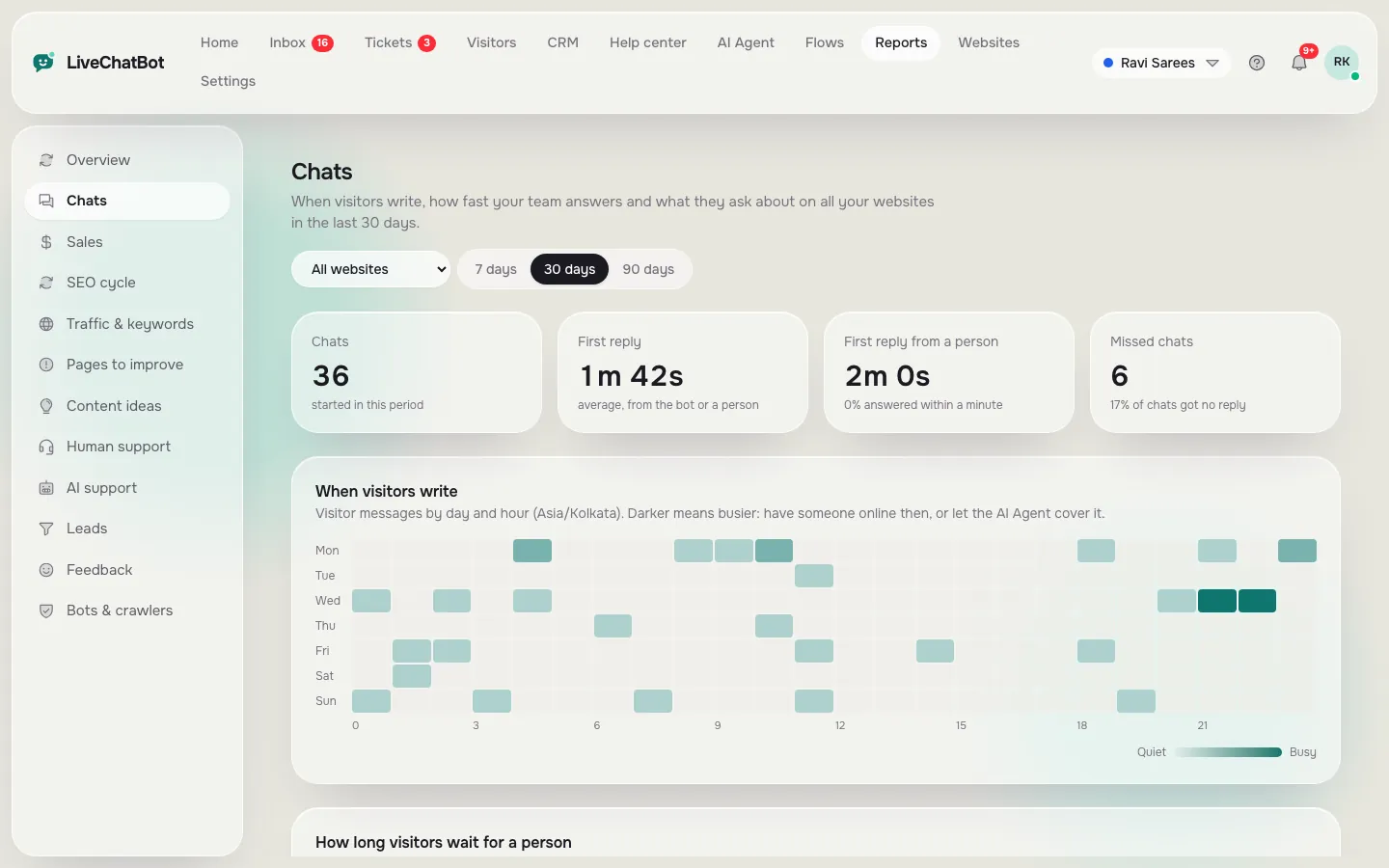
Chats and reply times
First reply, wait time and missed chats.
AI support
How many chats the AI Agent solved alone.
Sales from chat
Orders linked to chats when your store is connected.
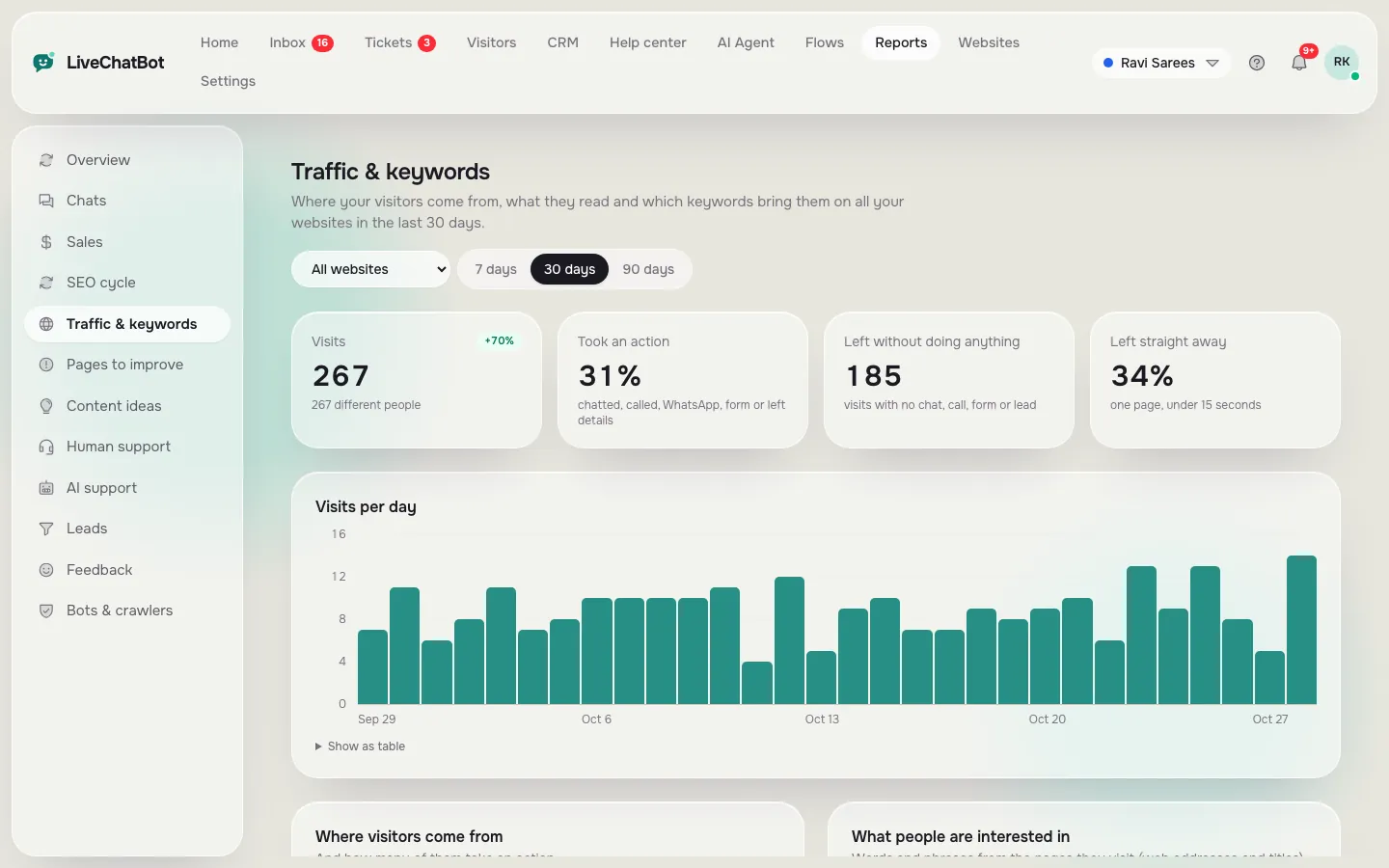
Traffic and keywords
Sources, landing pages and search words.
Feedback
Thumbs up and down ratings with comments.
Bots and crawlers
See which bots visit your site.
Questions about Reports
Can I see reports for one website only?
Yes. Every report has a website filter and a date range.
Does it show sales from chat?
Yes, when you connect WooCommerce or Shopify, or add the purchase code to your thank-you page.
Works well with
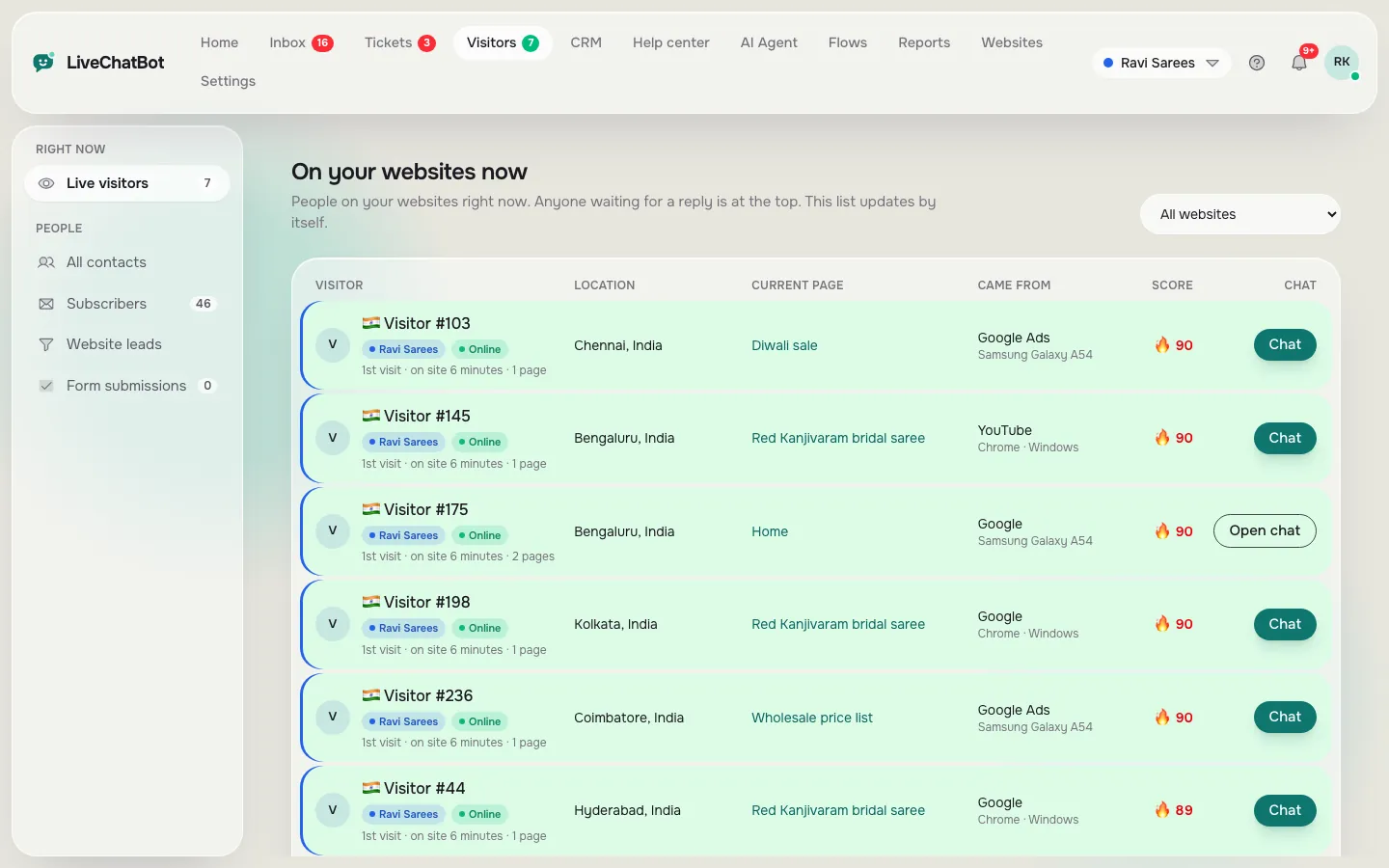
Live visitor tracking
See who is on your website right now and say hello first.
See how it works →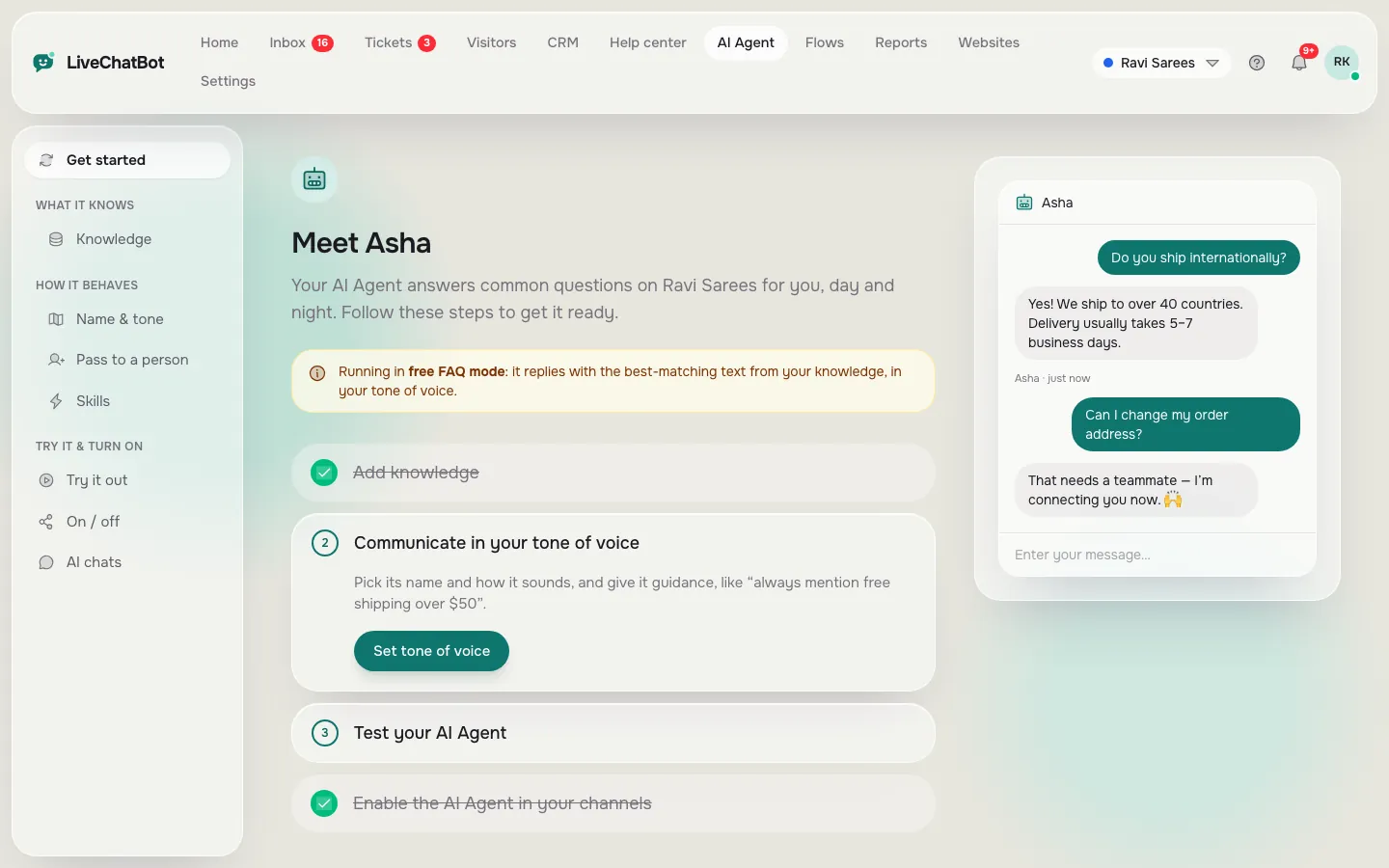
AI Agent
Answers common questions from your own content, day and night.
See how it works →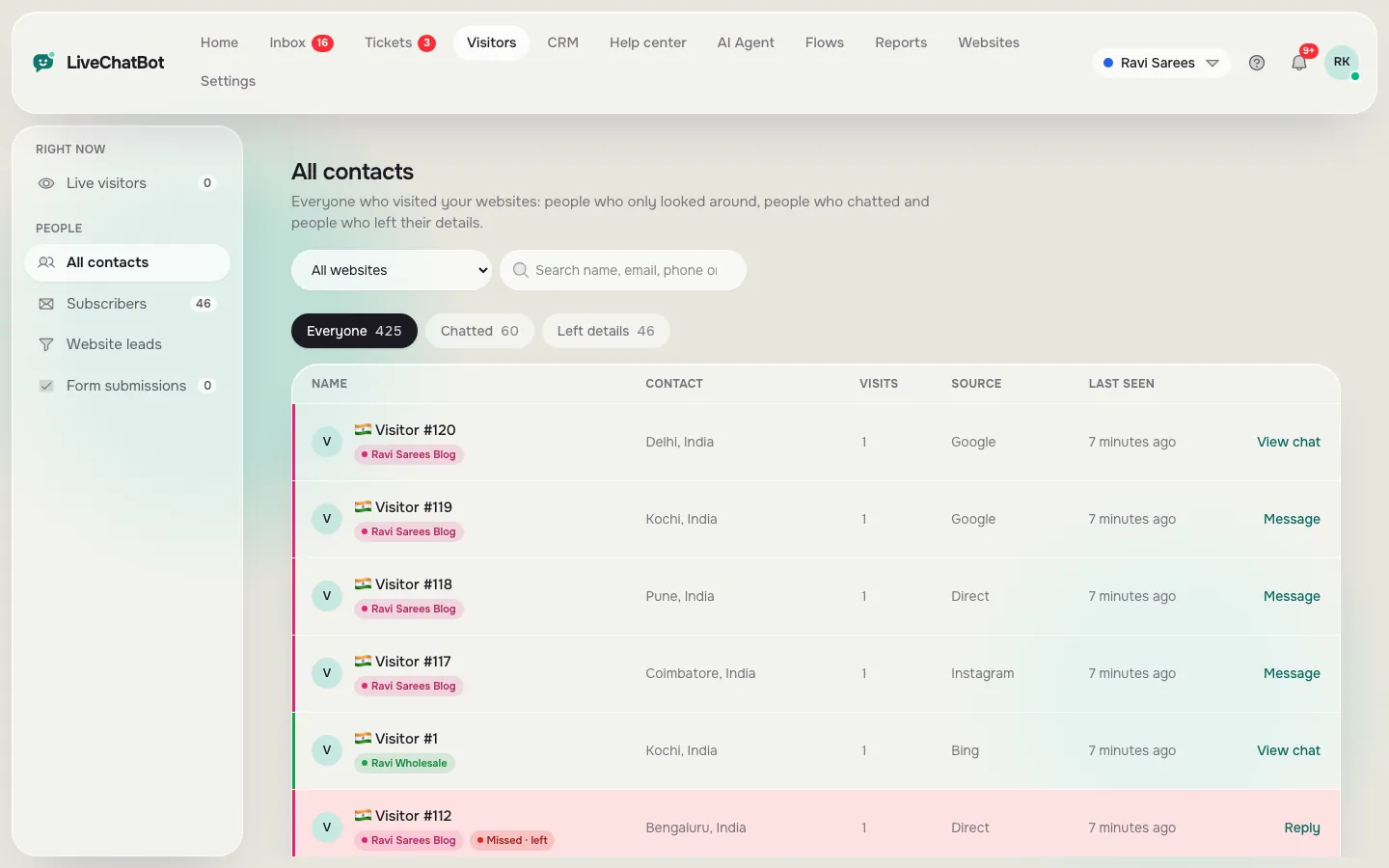
Lead capture
Collect emails and phone numbers from chats, Flows and your own forms.
See how it works →