Set up and connect · Integrations and API
Connect chat to the tools you already use
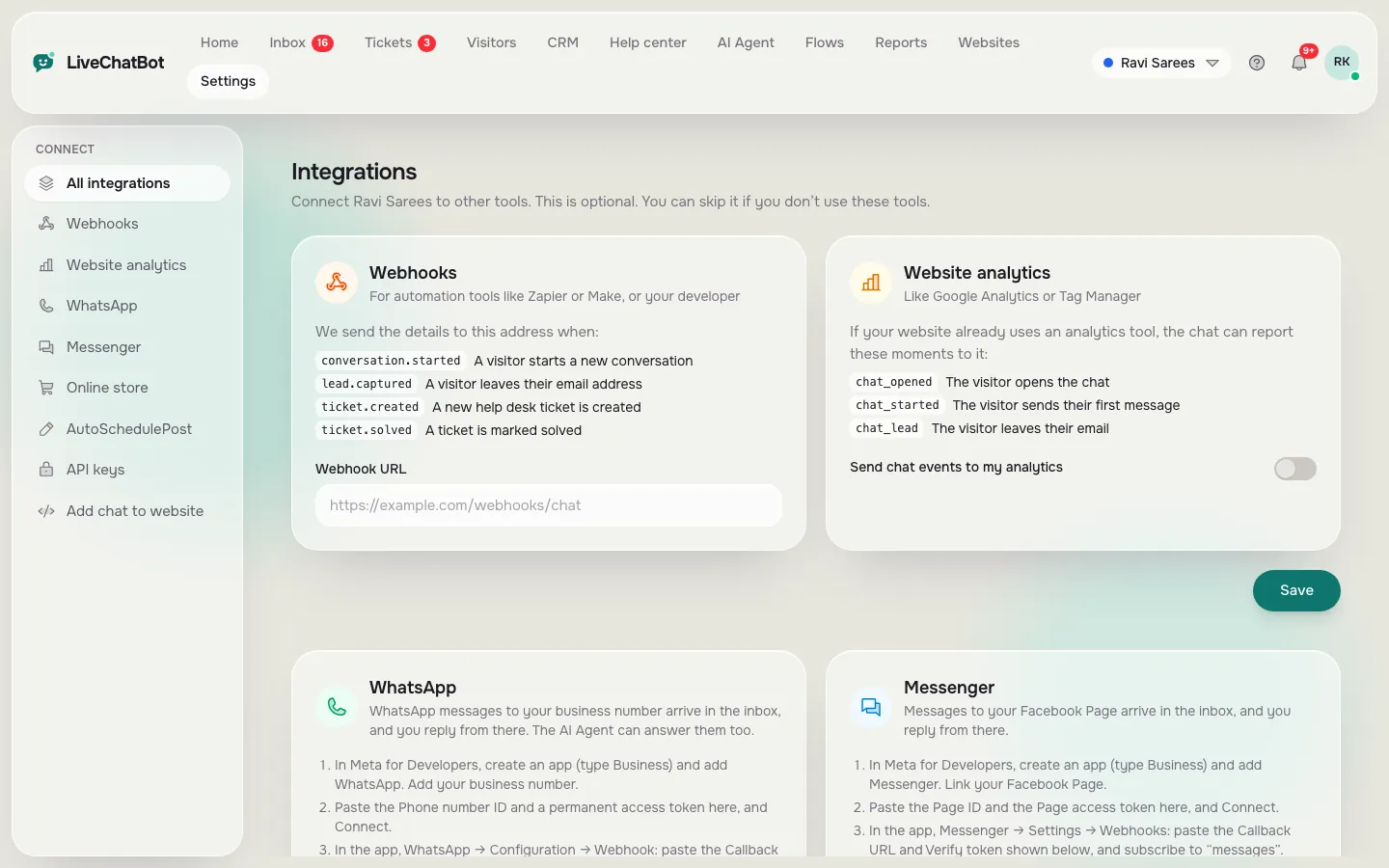
Bring WhatsApp and Messenger messages into the inbox, link orders from your online store, send events to Google Analytics, and connect anything else with webhooks and the REST API.
How you’ll use it
What you actually do in LiveChatBot, step by step.
Open Integrations
Pick what you want to connect.
Follow the steps
Each card lists what to paste, for example a WhatsApp Business number ID.
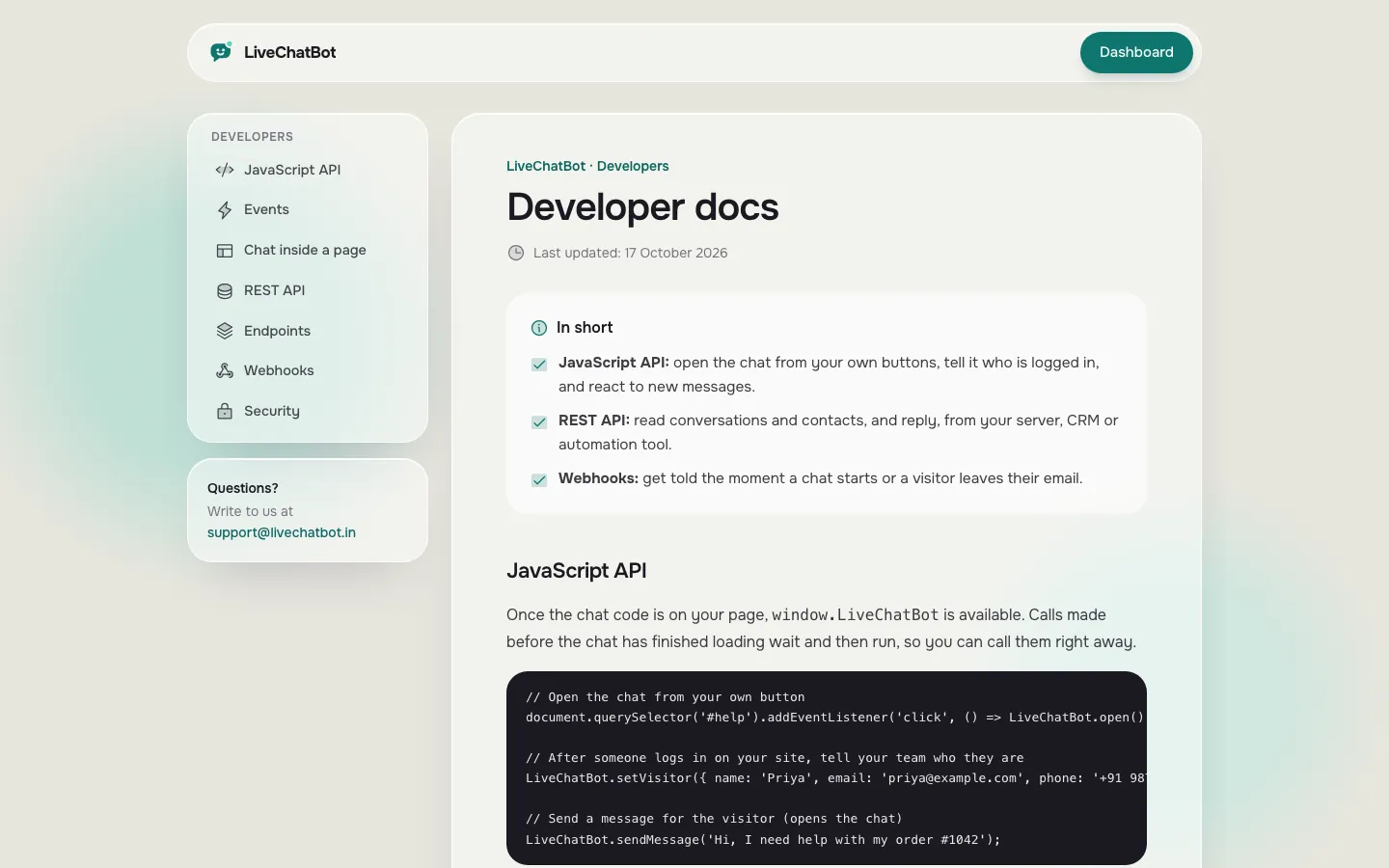
Use the API
Create an API key and read the developer docs.
What you’ll see
Real screens from the LiveChatBot panel, shown with sample data. Tap any picture to see it full size.
What it does
WhatsApp and Messenger
Answer them in the same inbox, with the AI Agent too.
Online store
WooCommerce and Shopify orders linked to chats.
Webhooks
Chat, lead and ticket events to Zapier, Make or your server.
Website analytics
Chat events sent to Google Analytics or Tag Manager.
REST API
Read and reply to chats, add leads and create tickets.
- WhatsApp and Messenger need your own Meta Business setup.
Prices: see pricing.
Questions about Integrations and API
Can I answer WhatsApp messages in LiveChatBot?
Yes, once you connect your WhatsApp Business number in Integrations.
Is there an API?
Yes. A REST API with keys, webhooks and a JavaScript API. See the developer docs.
Works well with
Easy install
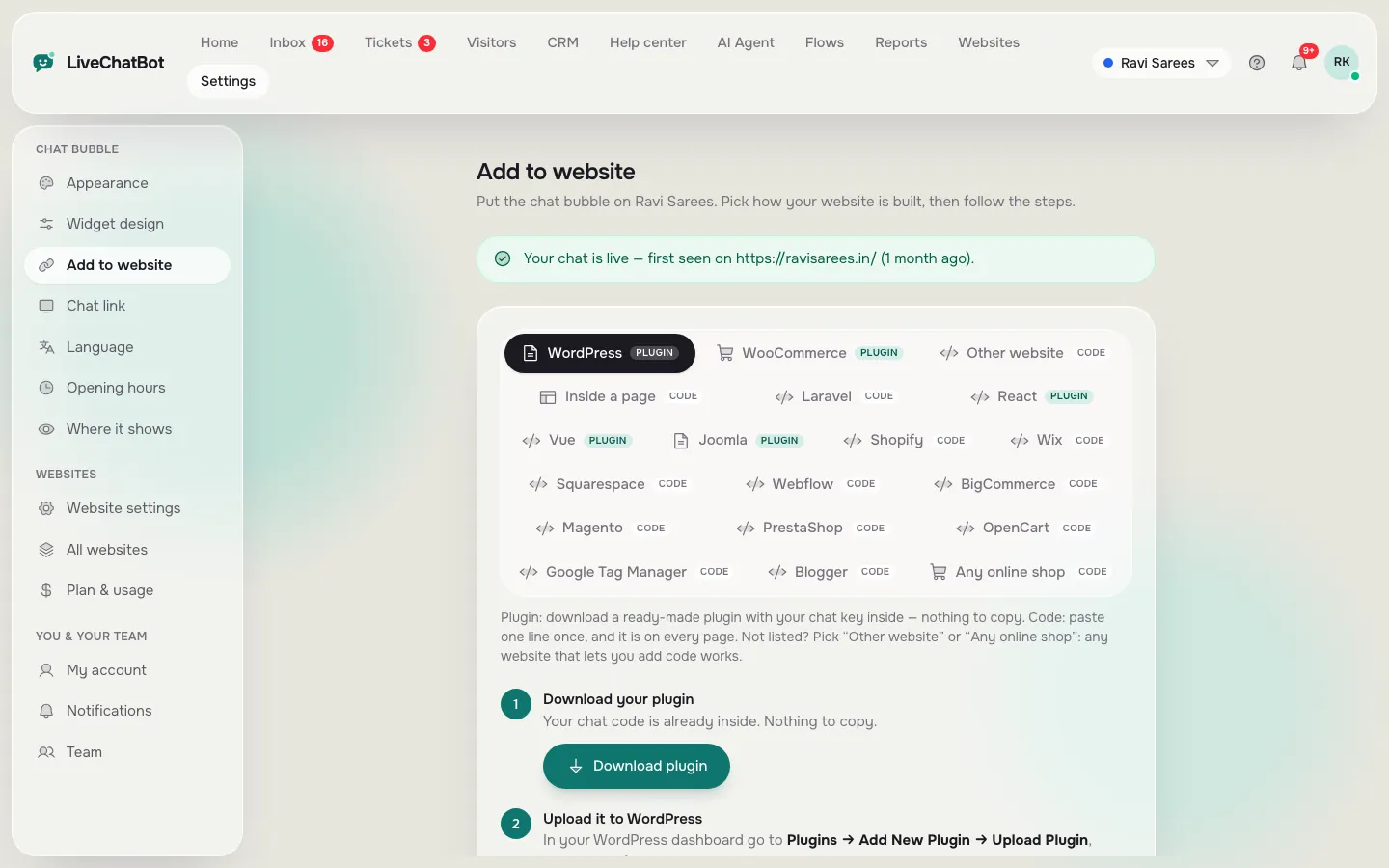
WordPress plugin, Shopify, Wix and 19 step-by-step install guides.
See how it works →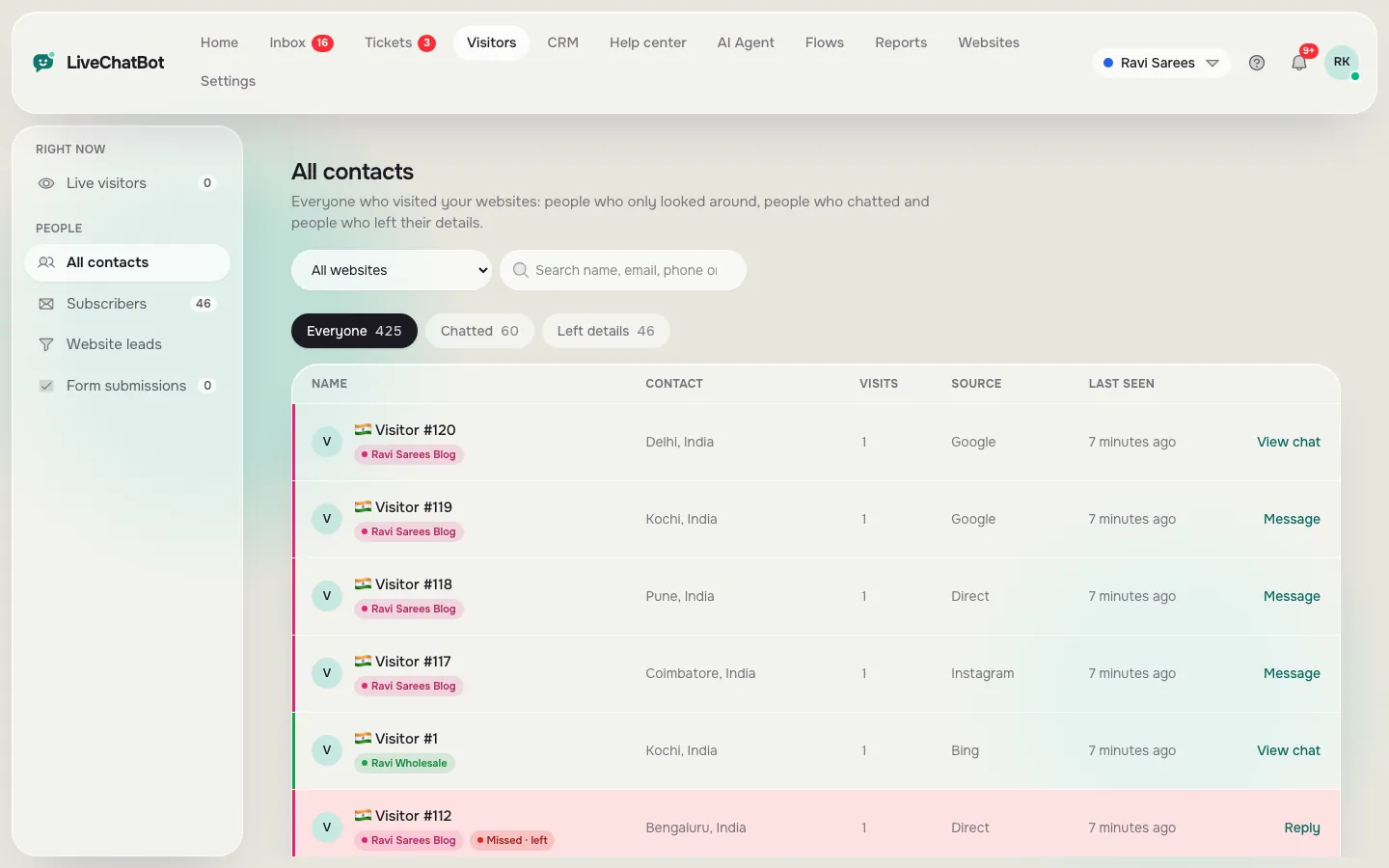
Lead capture
Collect emails and phone numbers from chats, Flows and your own forms.
See how it works →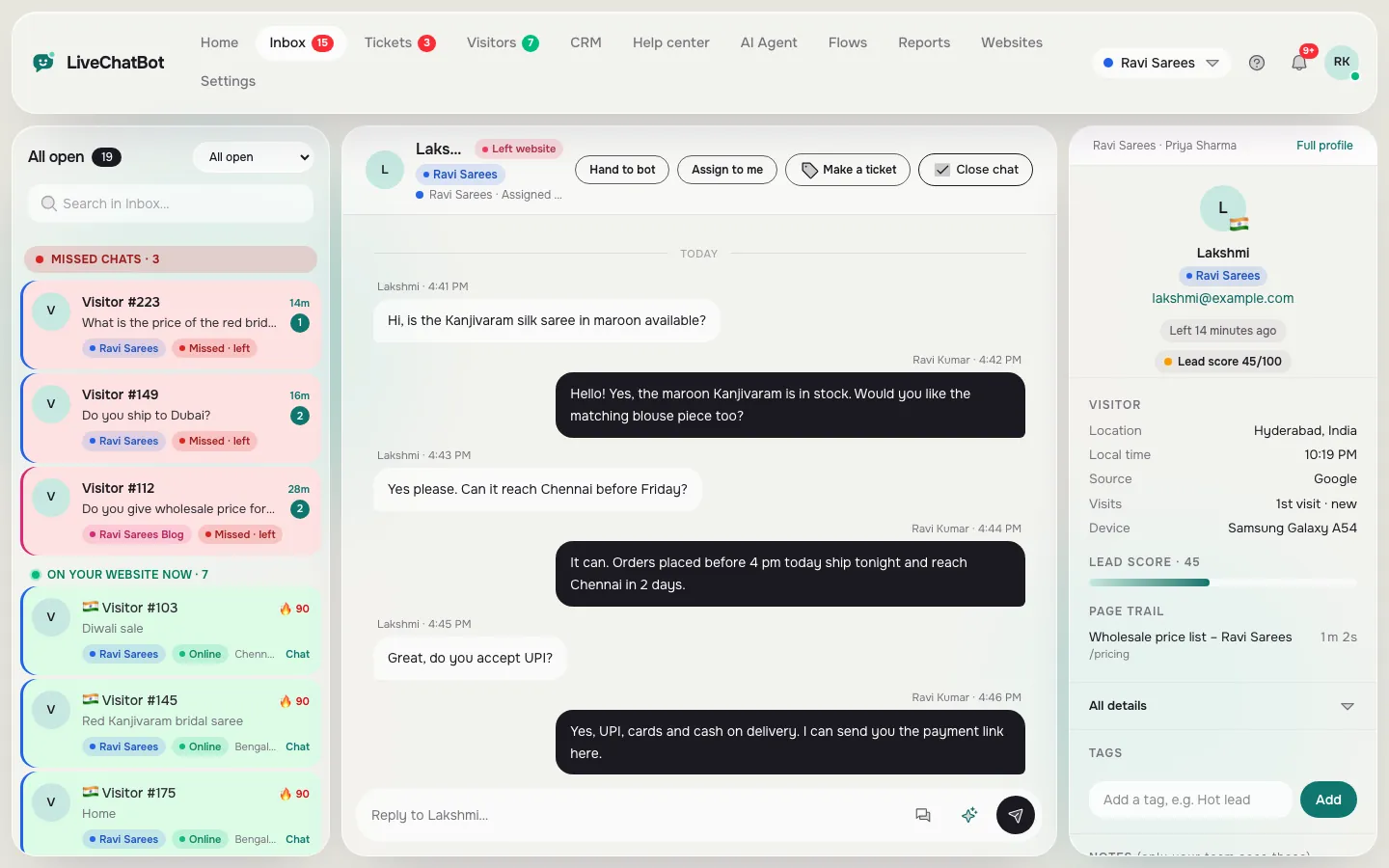
Shared inbox
Every chat from every website in one inbox, with the visitor beside it.
See how it works →