Support and sales · Help desk and tickets
A simple help desk for questions that take time
Some questions need more than one chat. Turn them into tickets with a number, status, priority and owner. Reply, add private notes and solve them from one list.
How you’ll use it
What you actually do in LiveChatBot, step by step.
Tickets come in
From a chat (Make a ticket), the away form, a new ticket you create or the API.
Work the list
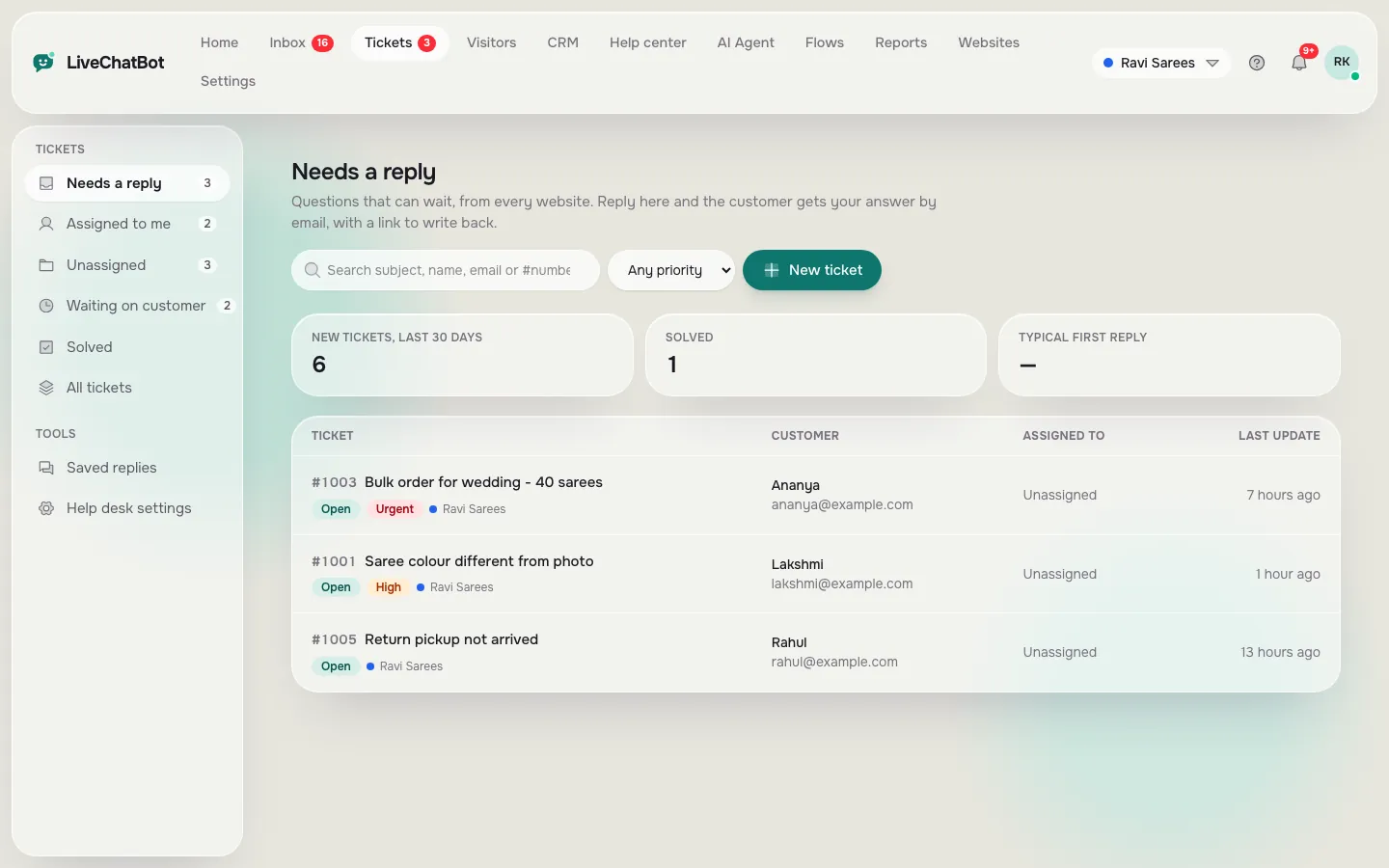
Filter by Needs a reply, Assigned to me, Unassigned and Waiting on customer.
Reply and solve
Reply, add a private note, then mark it solved.
What you’ll see
Real screens from the LiveChatBot panel, shown with sample data. Tap any picture to see it full size.
What it does
Ticket numbers
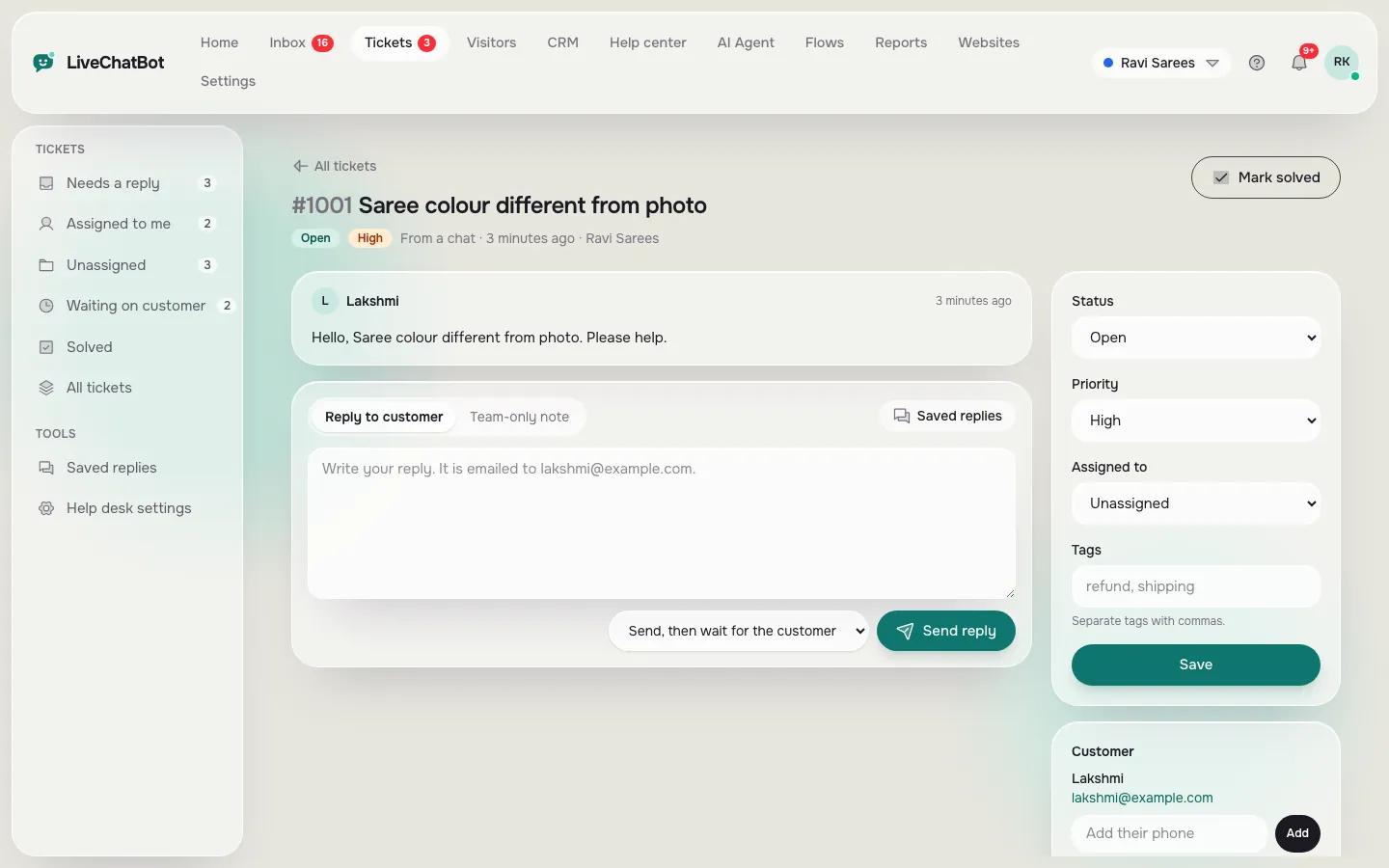
Every ticket gets a number like #1001.
Priorities
Low, normal, high and urgent.
Private notes
Only your team sees them.
Customer page
Customers follow their ticket on a page with no login.
Saved replies
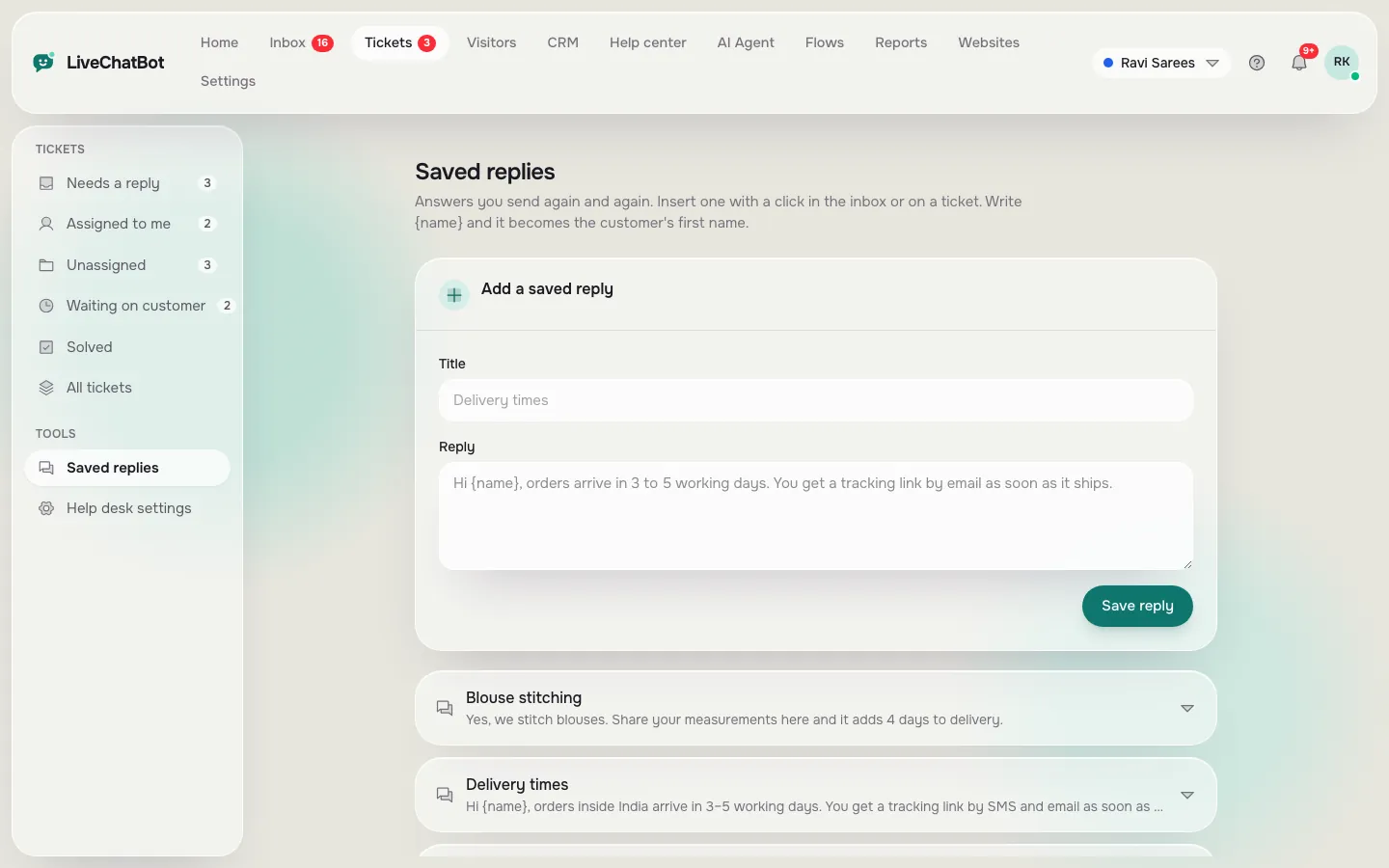
Use them in tickets and in the inbox.
Webhooks and API
Create tickets and get ticket events in other tools.
Questions about Help desk and tickets
Can a chat become a ticket?
Yes. Press Make a ticket in the inbox and the chat history comes with it.
Do customers need an account to see their ticket?
No. They get a private link to a ticket page.
Works well with
Shared inbox
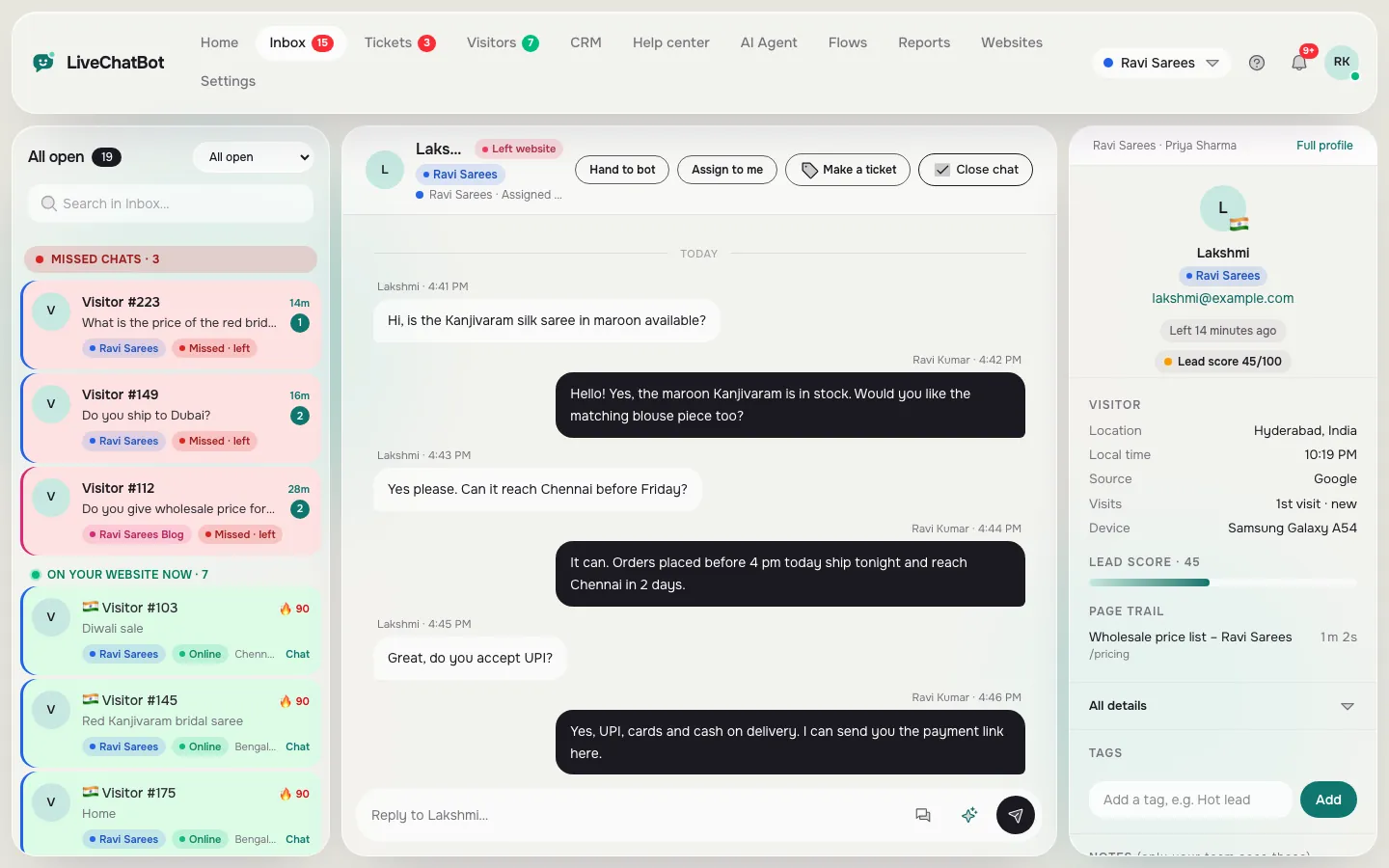
Every chat from every website in one inbox, with the visitor beside it.
See how it works →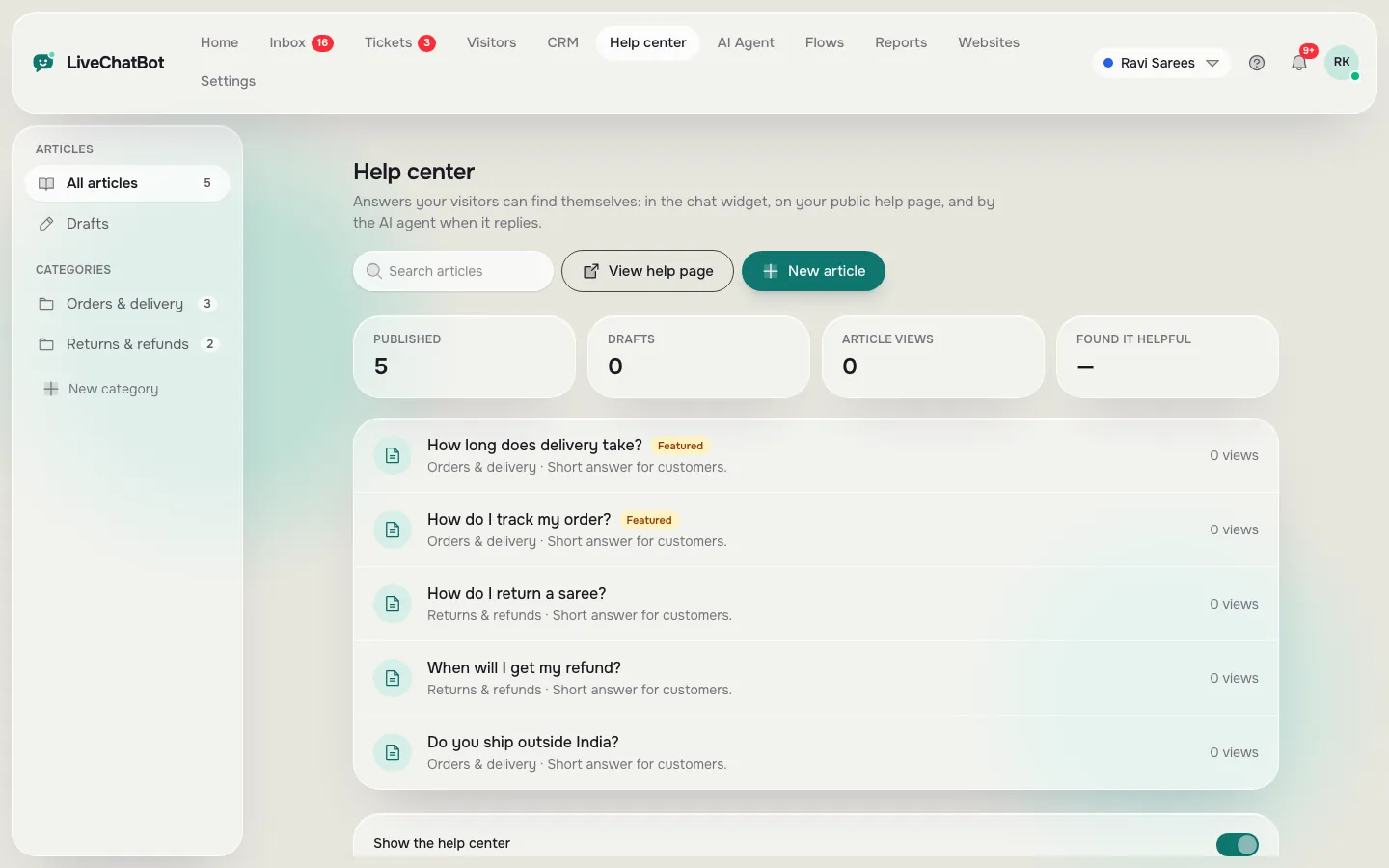
Help center
Answer articles visitors can search, inside the chat and on a public page.
See how it works →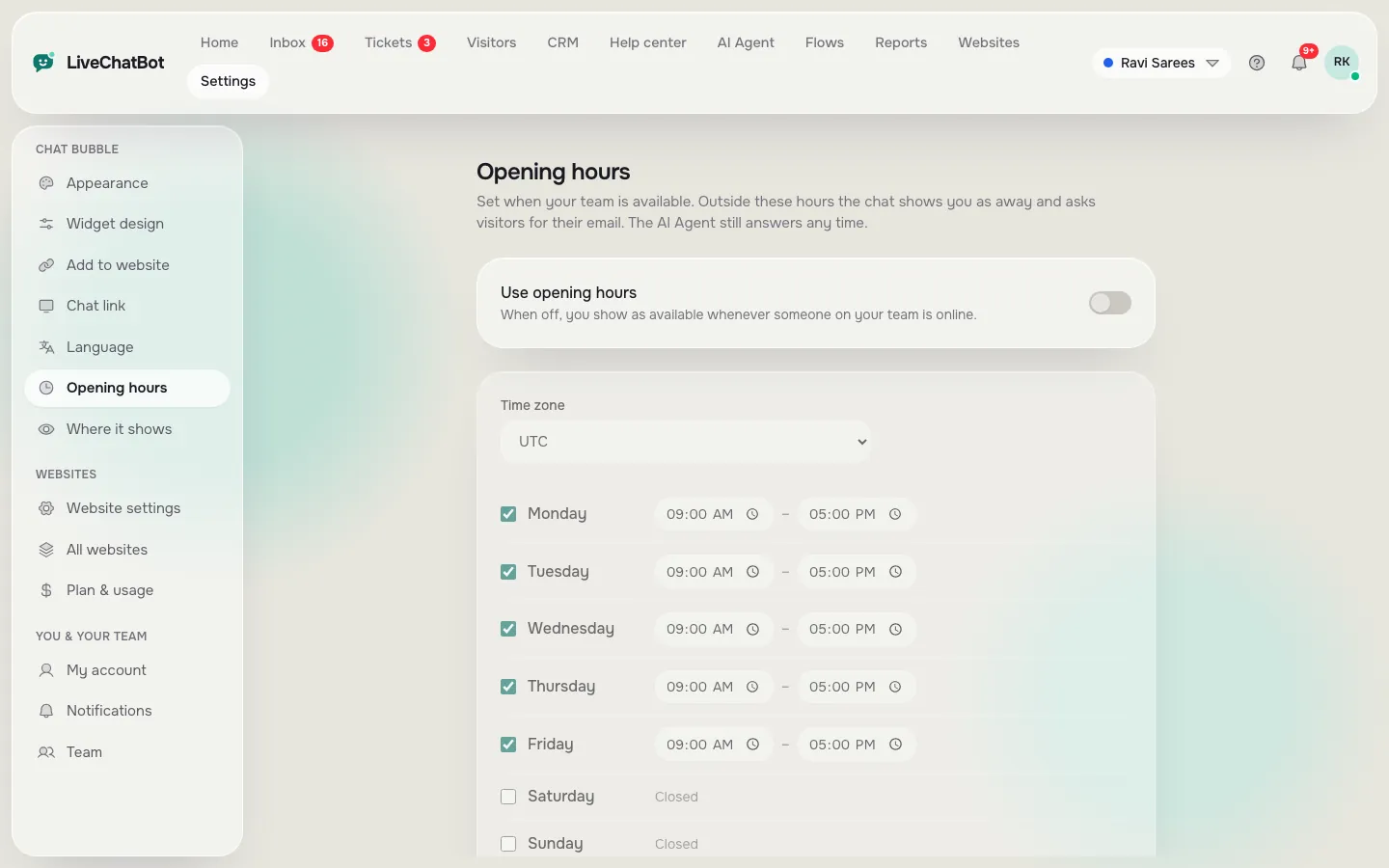
Away messages and chat rescuer
Opening hours, away form and an automatic reply when nobody answers.
See how it works →