Talk to visitors · Shared inbox
One inbox for every chat
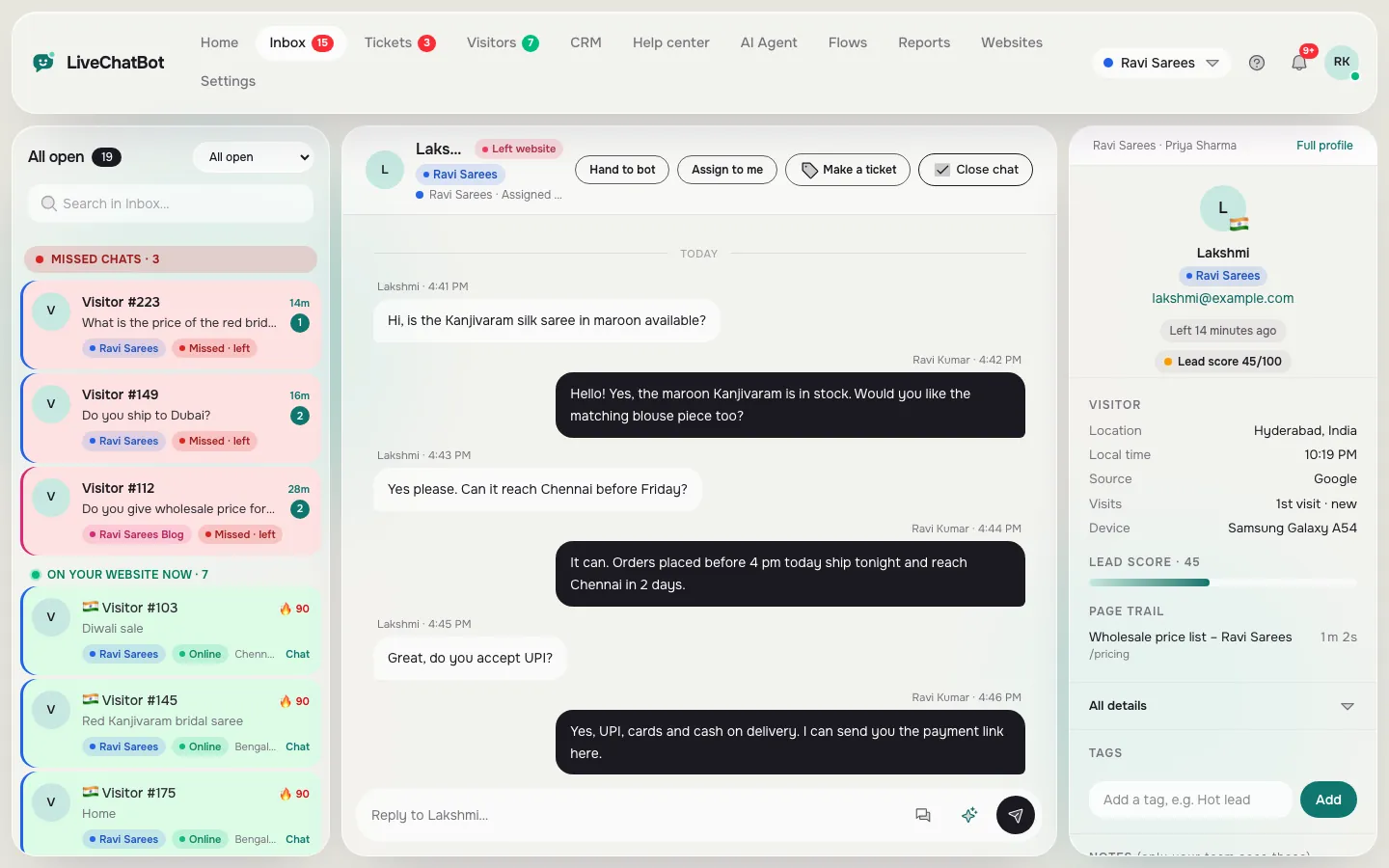
All chats from all your websites land in one inbox. The list shows who needs a reply first, the chat sits in the middle, and the visitor’s details are on the right.
How you’ll use it
What you actually do in LiveChatBot, step by step.
See who needs you
Missed chats, people on your site now and open chats are grouped at the top of the list.
Reply with context
Location, local time, source, device, lead score and the pages they visited sit next to the chat.
Pass it on
Assign to a teammate, hand back to the AI Agent, make a ticket or close the chat.
What you’ll see
Real screens from the LiveChatBot panel, shown with sample data. Tap any picture to see it full size.
What it does
Folders
Needs a reply, Unassigned, My open, AI Agent, Solved and your teams.
Saved replies
Insert common answers with one click. {name} fills in the visitor’s name.
Smart reply chips
Suggested answers from your saved replies and help articles.
Typing preview
See what a visitor is typing before they press send.
Tags and notes
Tag chats and keep private notes your team can see.
Website colour labels
Each website has its own colour so you know where a chat came from.
Questions about Shared inbox
Can several people answer from one inbox?
Yes. Add teammates in Team. Everyone sees the same inbox, and you can assign chats or split them into teams.
Can I answer chats from my phone?
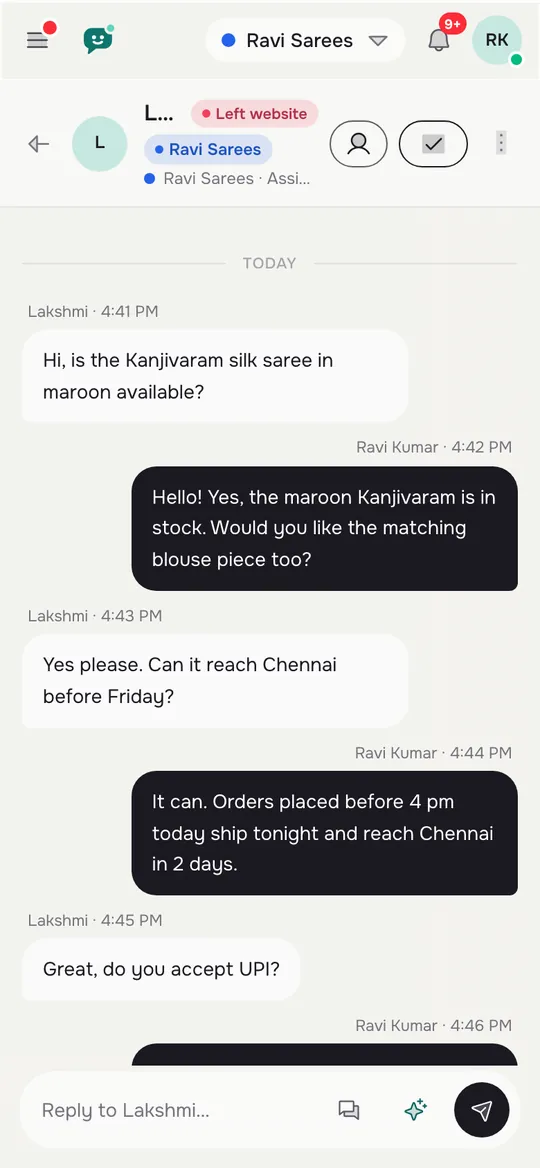
Yes. Use the Android app or open the inbox in your phone browser.
Can a chat become a ticket?
Yes. Press Make a ticket in the chat header and it moves to Tickets.
Works well with
Mobile app and alerts
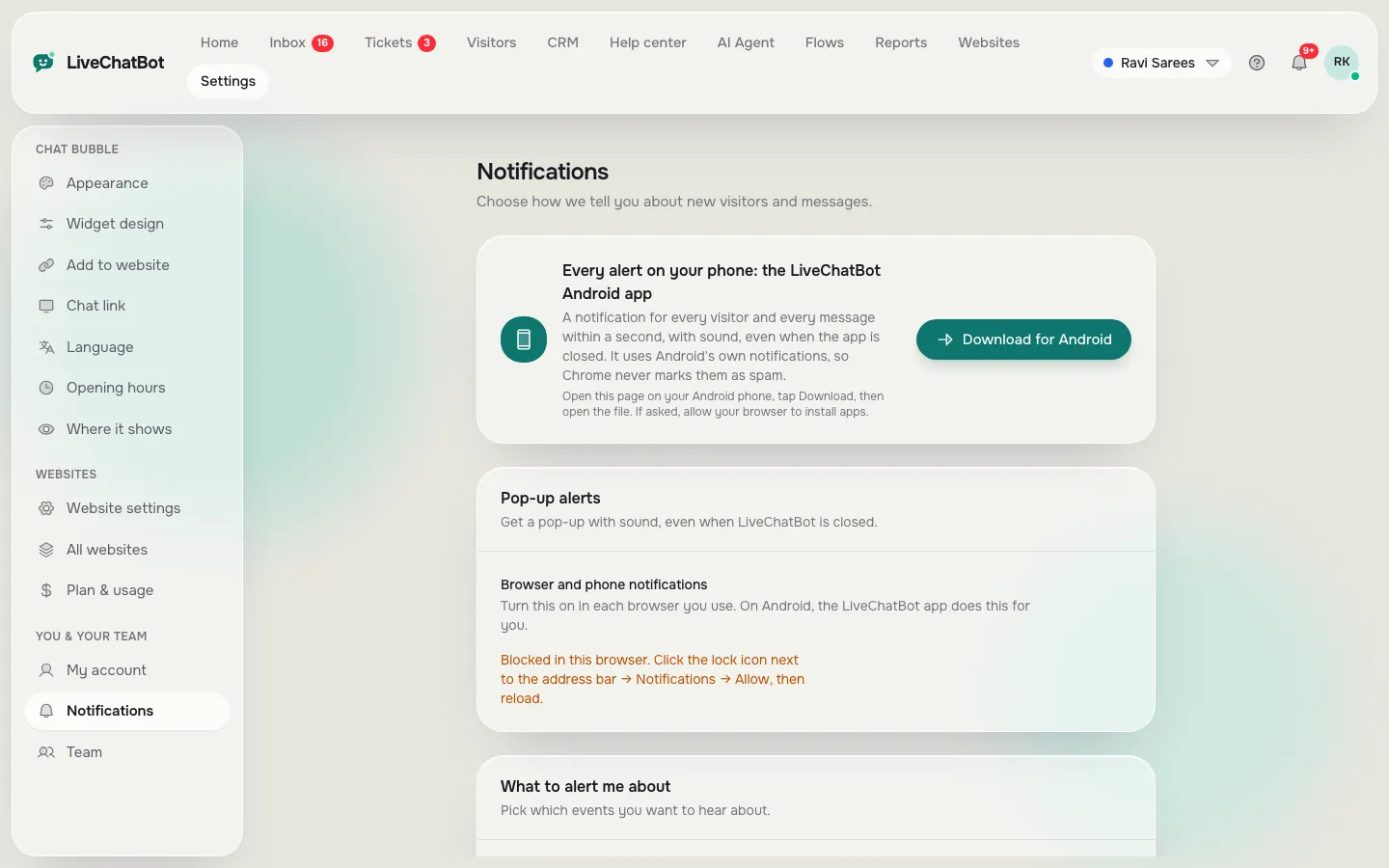
An Android app and browser alerts so you never miss a chat.
See how it works →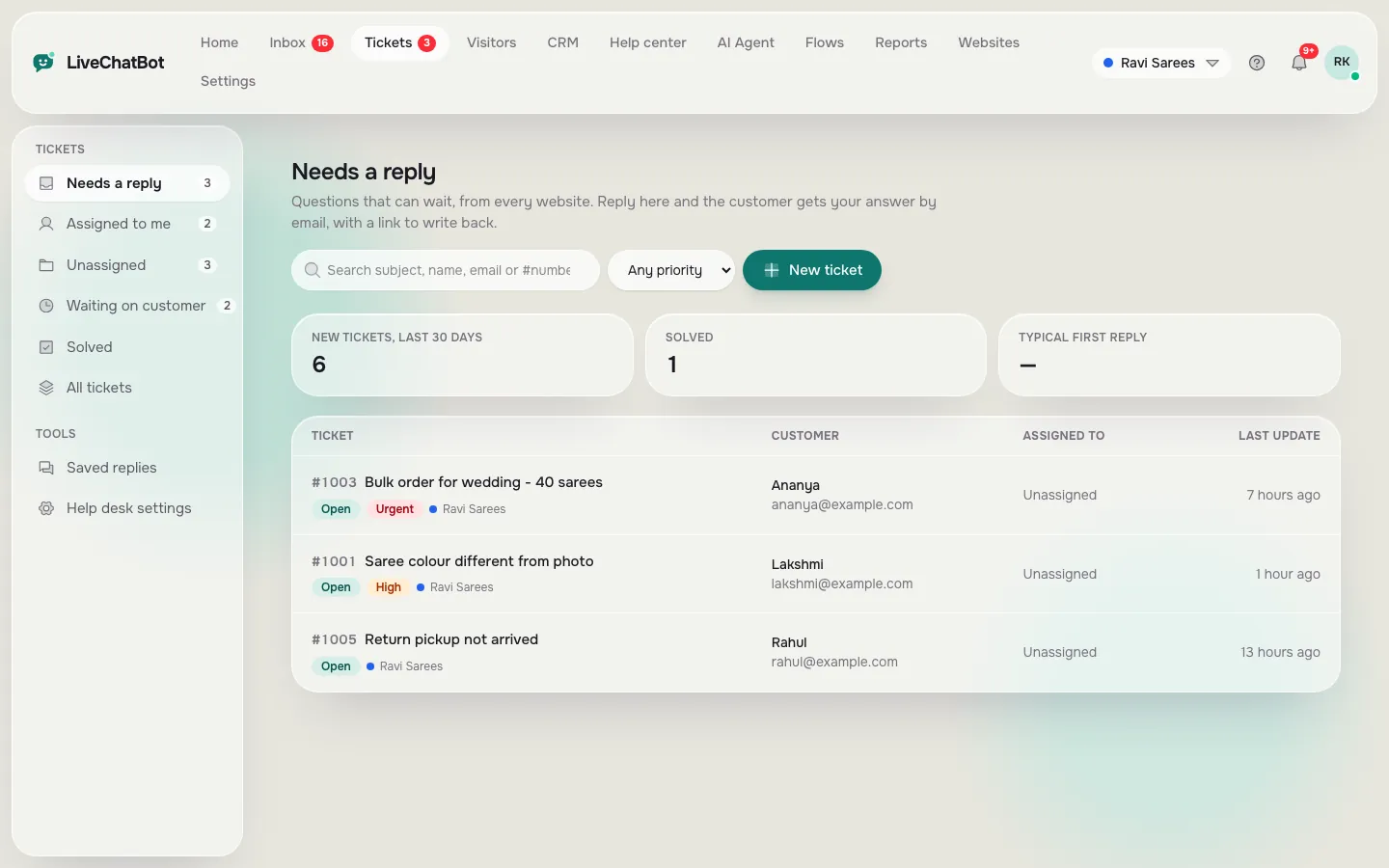
Help desk and tickets
Tickets with status, priority, owner, saved replies and a customer page.
See how it works →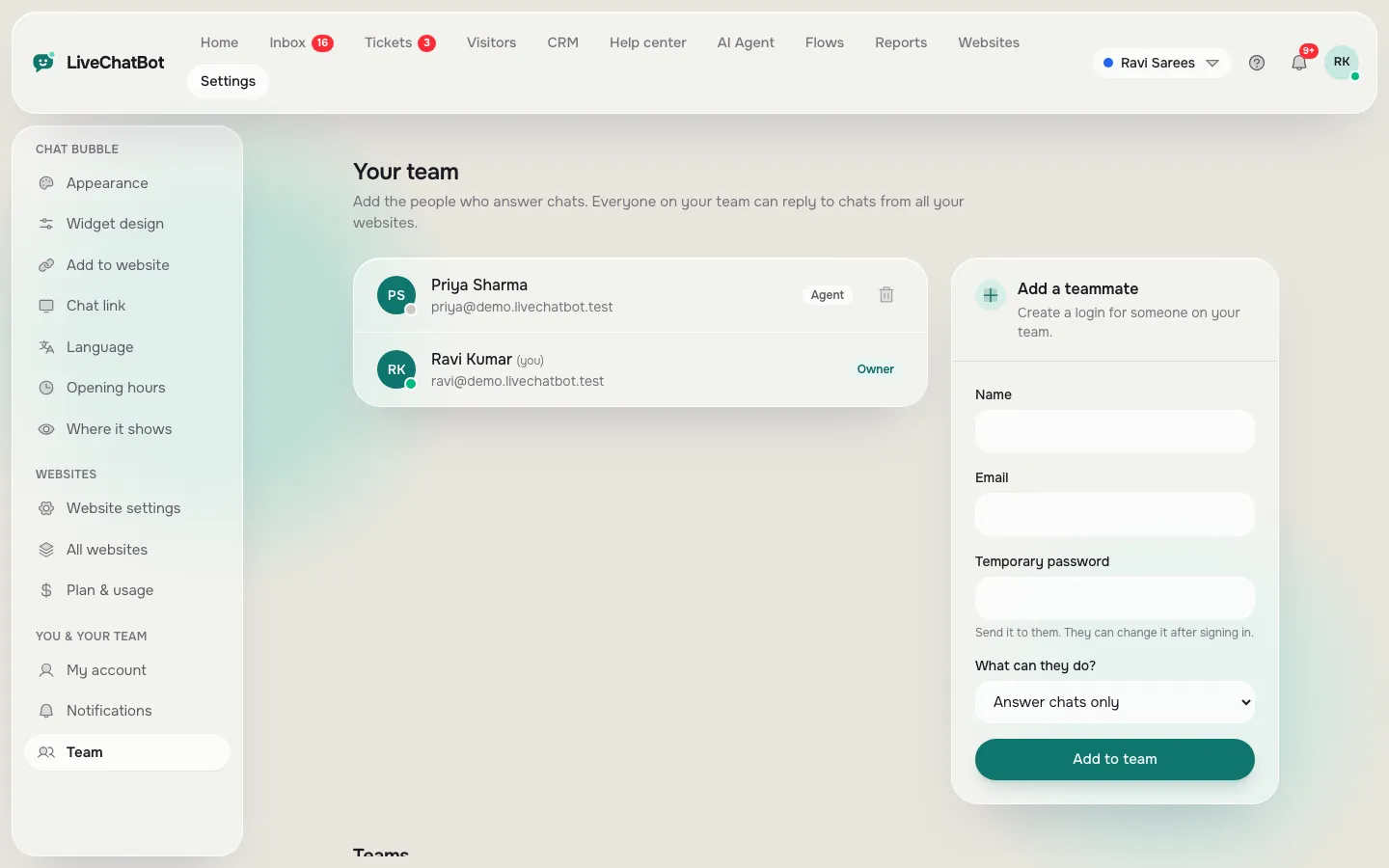
Team
Add agents, choose what they can do, and split chats into teams.
See how it works →