Support and sales · CRM and sales pipeline
Turn chats into deals you can follow
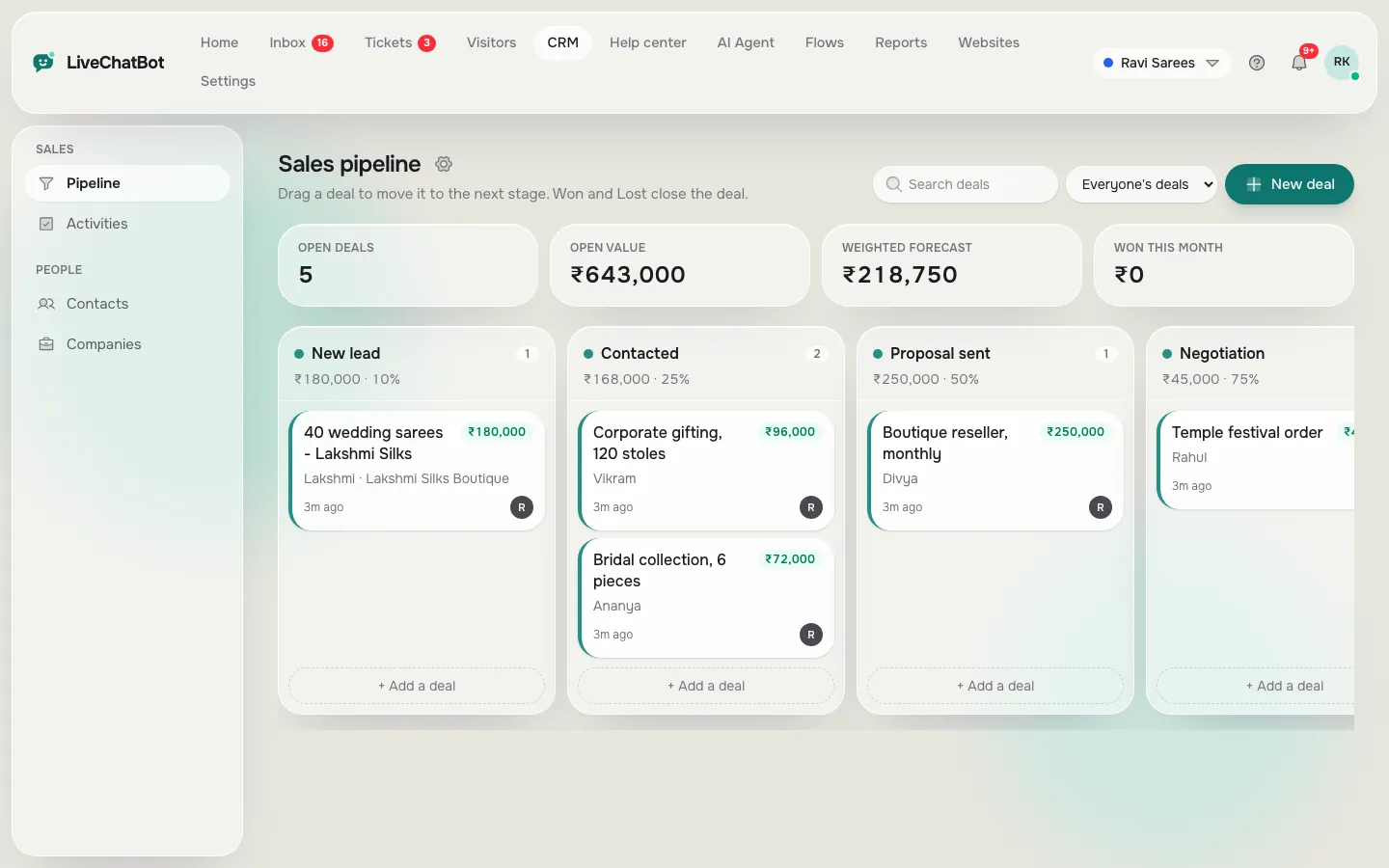
When a chat turns into a real enquiry, add a deal. Move it across stages, link it to the visitor and their company, and plan the next call.
How you’ll use it
What you actually do in LiveChatBot, step by step.
Add a deal
From a visitor profile or the pipeline, with a value in ₹.
Move it along
Drag it from New lead to Contacted, Proposal and Won or Lost.
Plan the follow-up
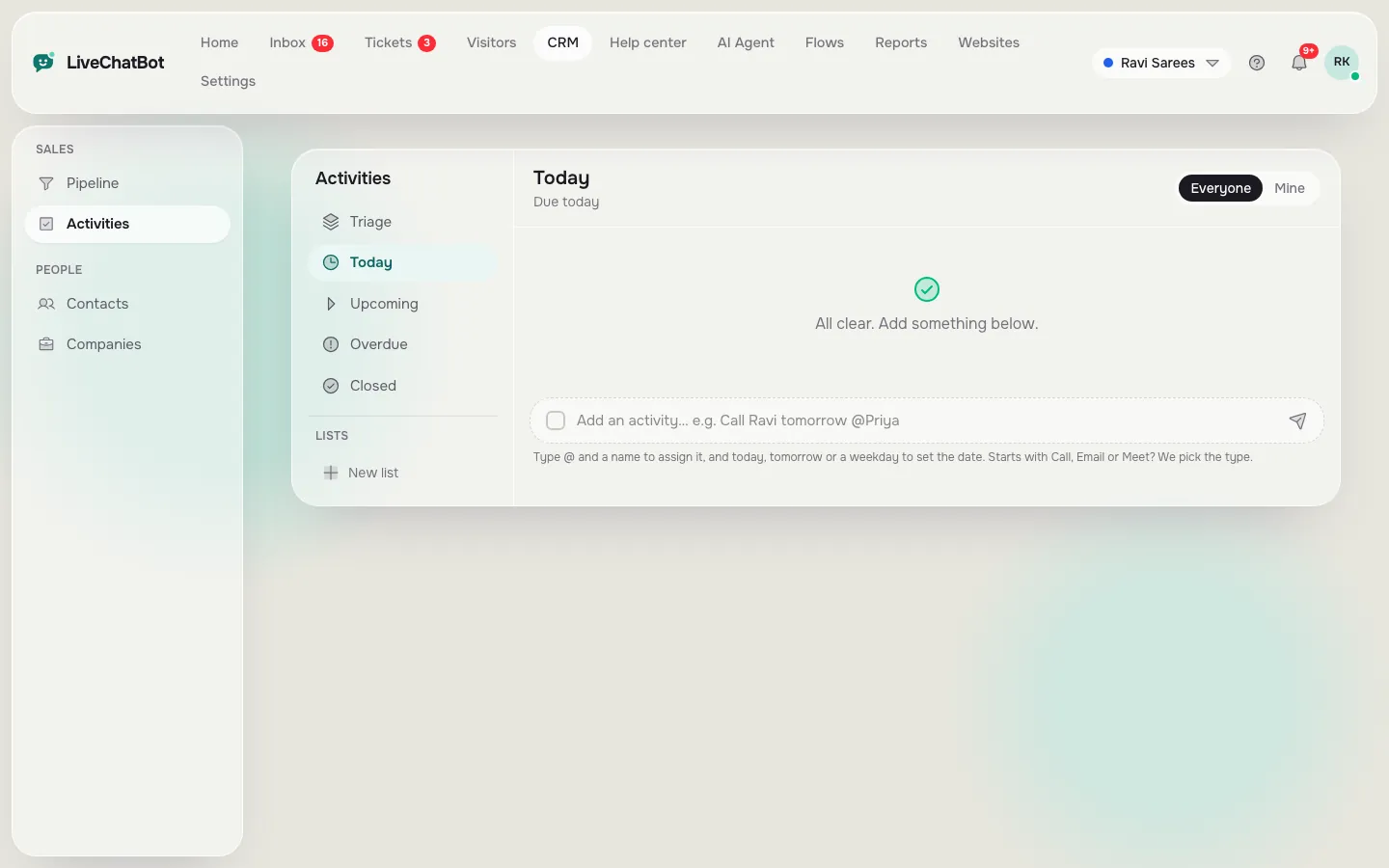
Add a call or task, like “Call Lakshmi tomorrow”.
What you’ll see
Real screens from the LiveChatBot panel, shown with sample data. Tap any picture to see it full size.
What it does
Pipelines and stages
Several pipelines with your own stages.
Forecast
Open value and weighted forecast at the top.
Companies
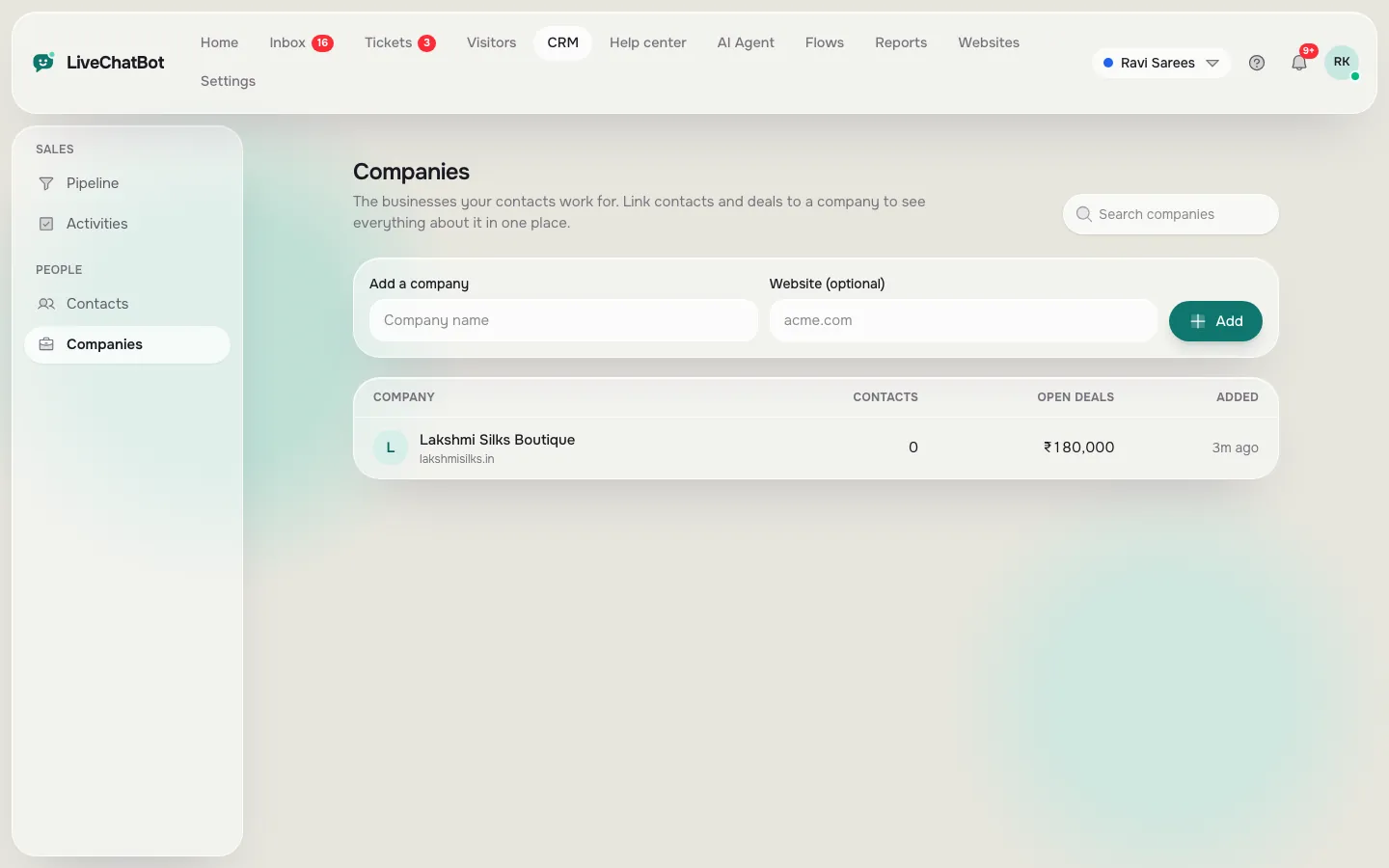
Group contacts under a business.
Activities
Today, upcoming, overdue and done.
Questions about CRM and sales pipeline
Do I need a separate CRM?
For many small teams, no. Deals, companies and follow-ups are built in and linked to your chats.
Can I use my own stages?
Yes. Rename, add and reorder stages and mark won or lost.
Works well with
Visitor profiles
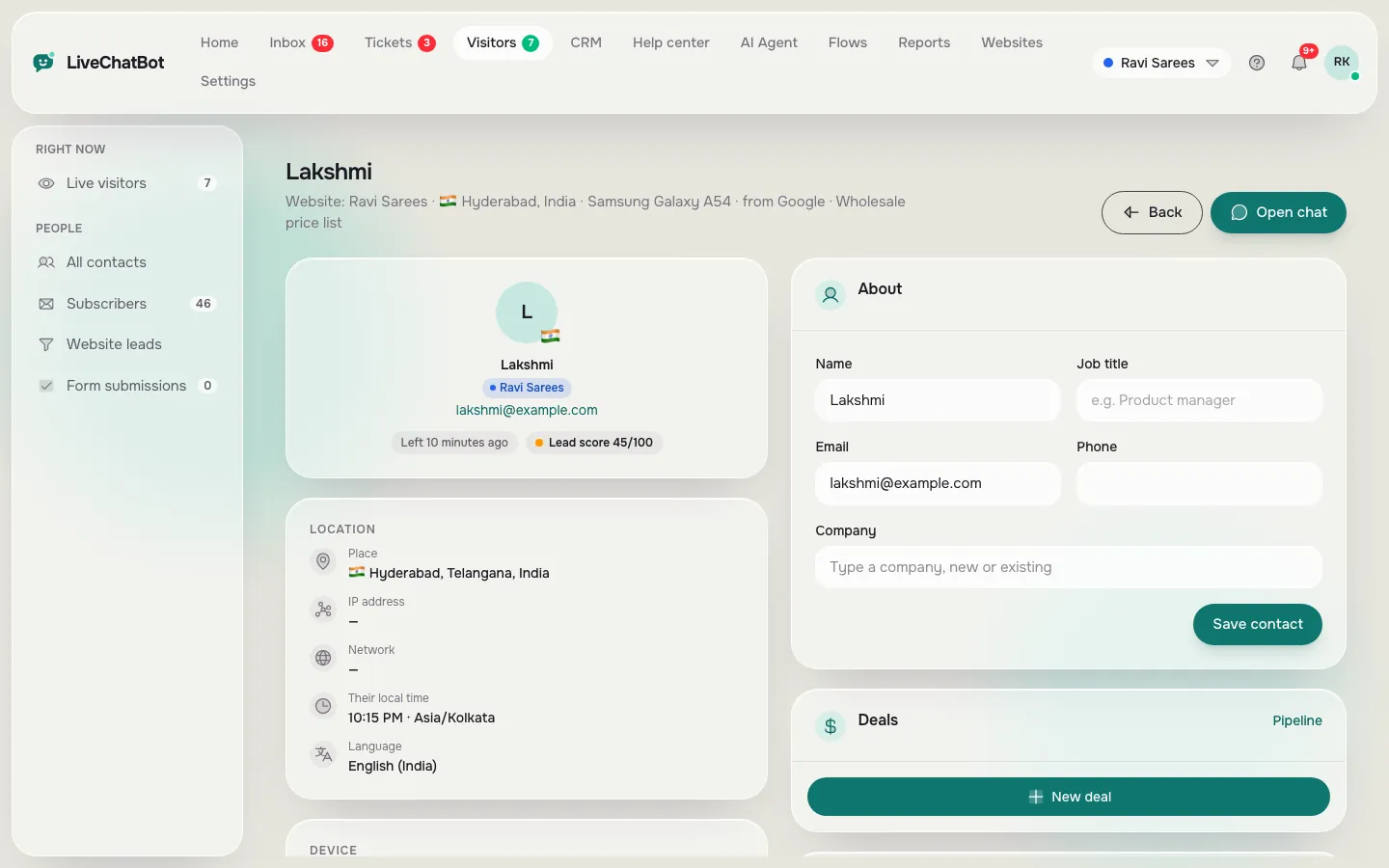
Location, local time, pages, device and past chats for every person.
See how it works →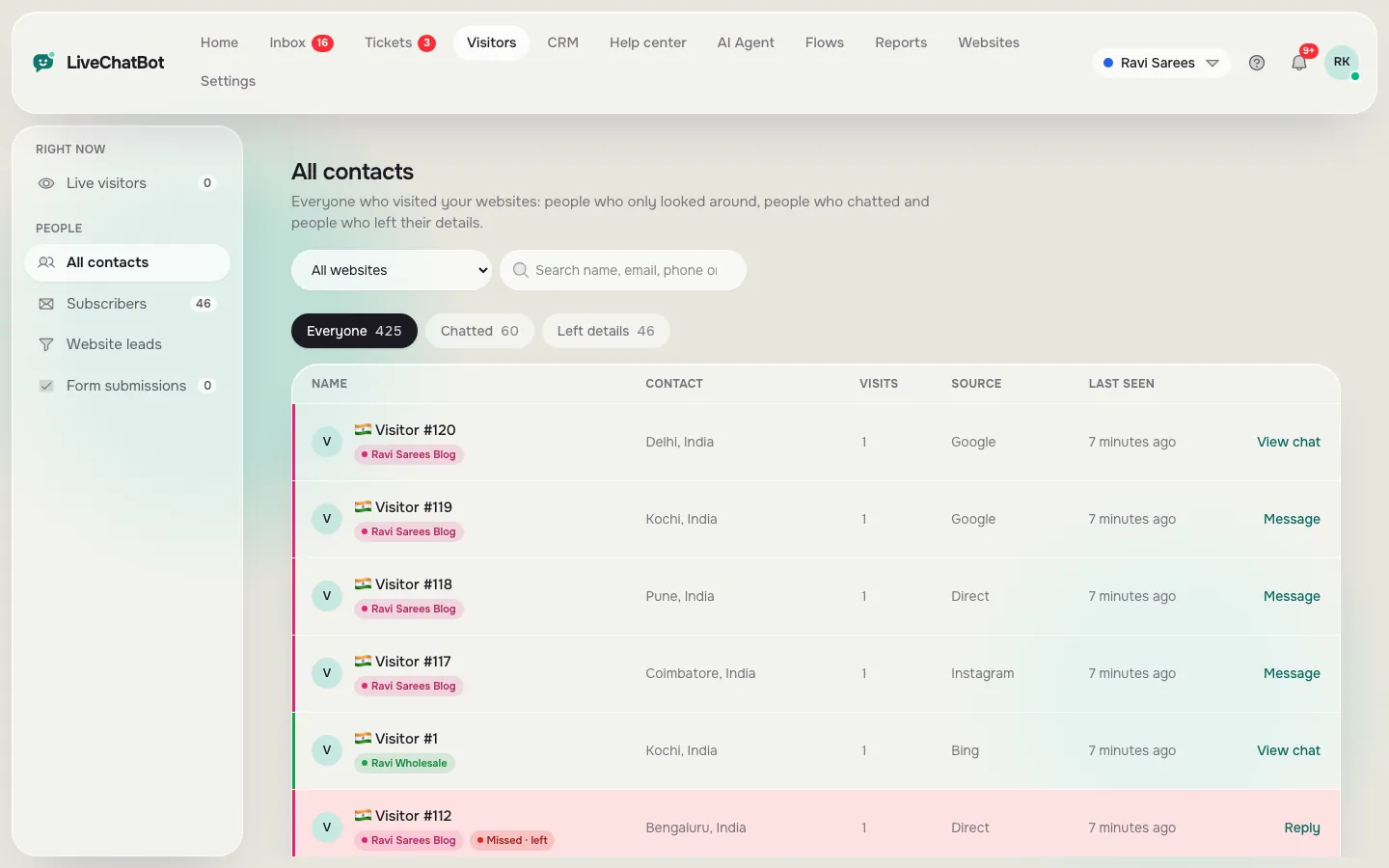
Lead capture
Collect emails and phone numbers from chats, Flows and your own forms.
See how it works →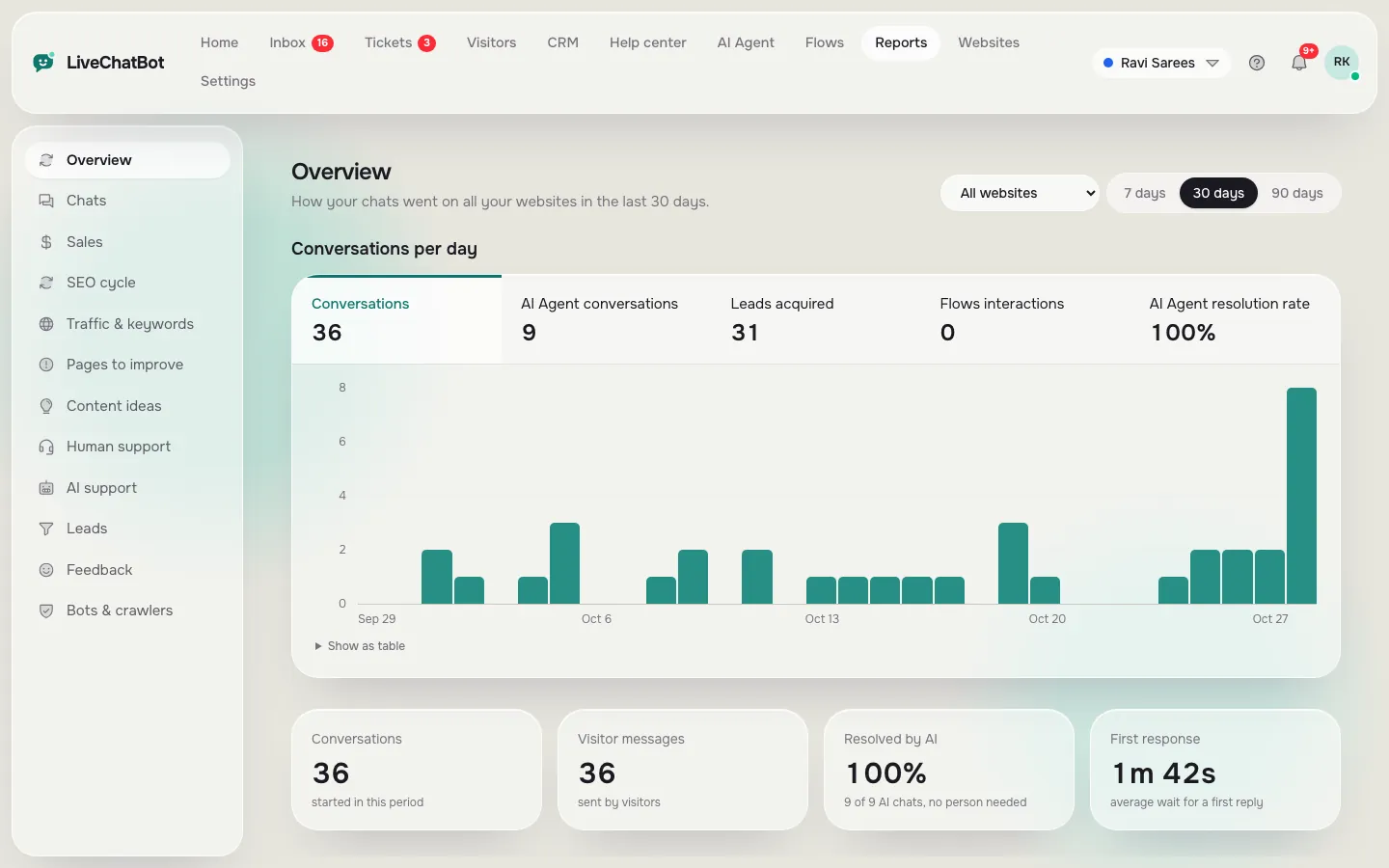
Reports
Chats, reply times, leads, sales, traffic and pages to improve.
See how it works →