Know your visitors · Lead capture
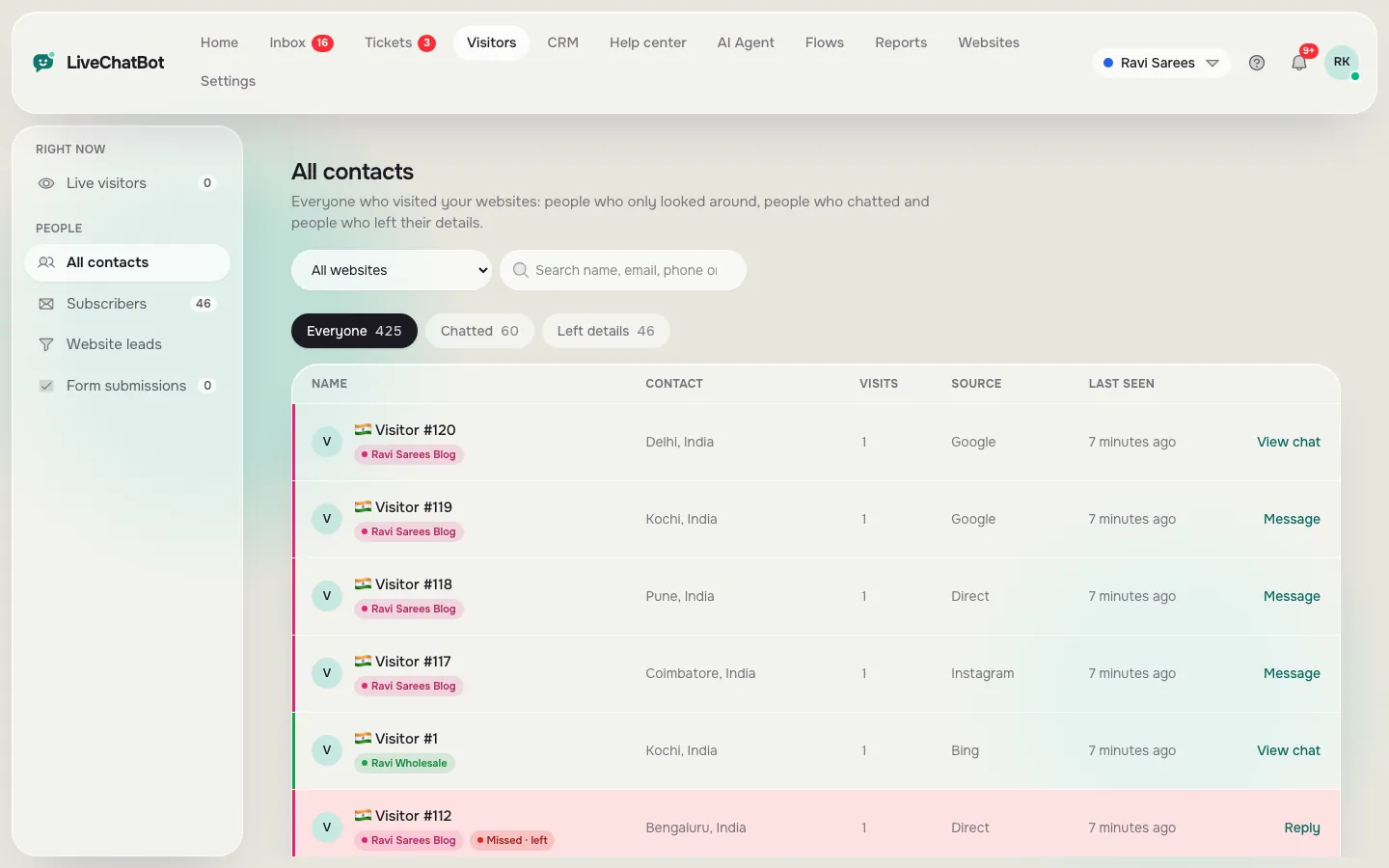
Turn visitors into leads you can call
LiveChatBot collects names, emails and phone numbers from chats, Flows and the away form, and also catches the forms already on your website. You get an alert for each new lead.
How you’ll use it
What you actually do in LiveChatBot, step by step.
Ask at the right time
Use a Flow to offer a discount or a call back in return for an email and phone number.
Keep your forms
Forms on your website are caught by the chat code and listed in Form submissions.
Follow up
Each new lead sends an alert. Open the profile and add a deal.
What you’ll see
Real screens from the LiveChatBot panel, shown with sample data. Tap any picture to see it full size.
What it does
Website leads
All form leads from all websites in one list.
Away form
When nobody is online, visitors leave their email and phone number.
Leads API
Send leads from any system with an API key.
WordPress forms
The plugin picks up Contact Form 7, WPForms, Elementor and more.
CSV import
Bring in past leads from a CSV file.
Questions about Lead capture
Do I need to change my contact form?
No. The chat code notices form submits on your pages and saves them as leads.
Will I be alerted about new leads?
Yes. You get a "New lead" alert in the browser and on the Android app.
Works well with
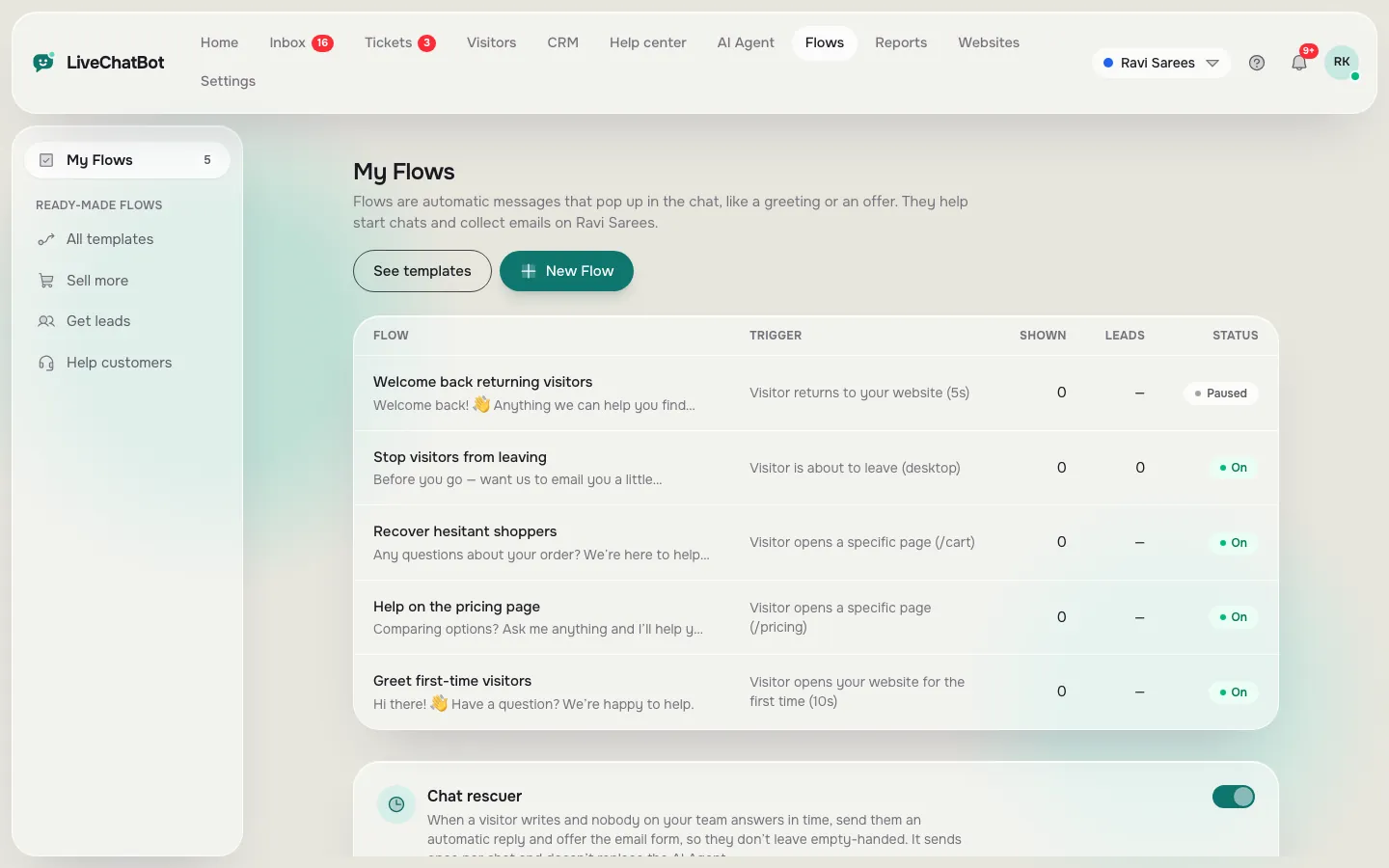
Chat Flows
Automatic greetings, offers and questions at the right moment.
See how it works →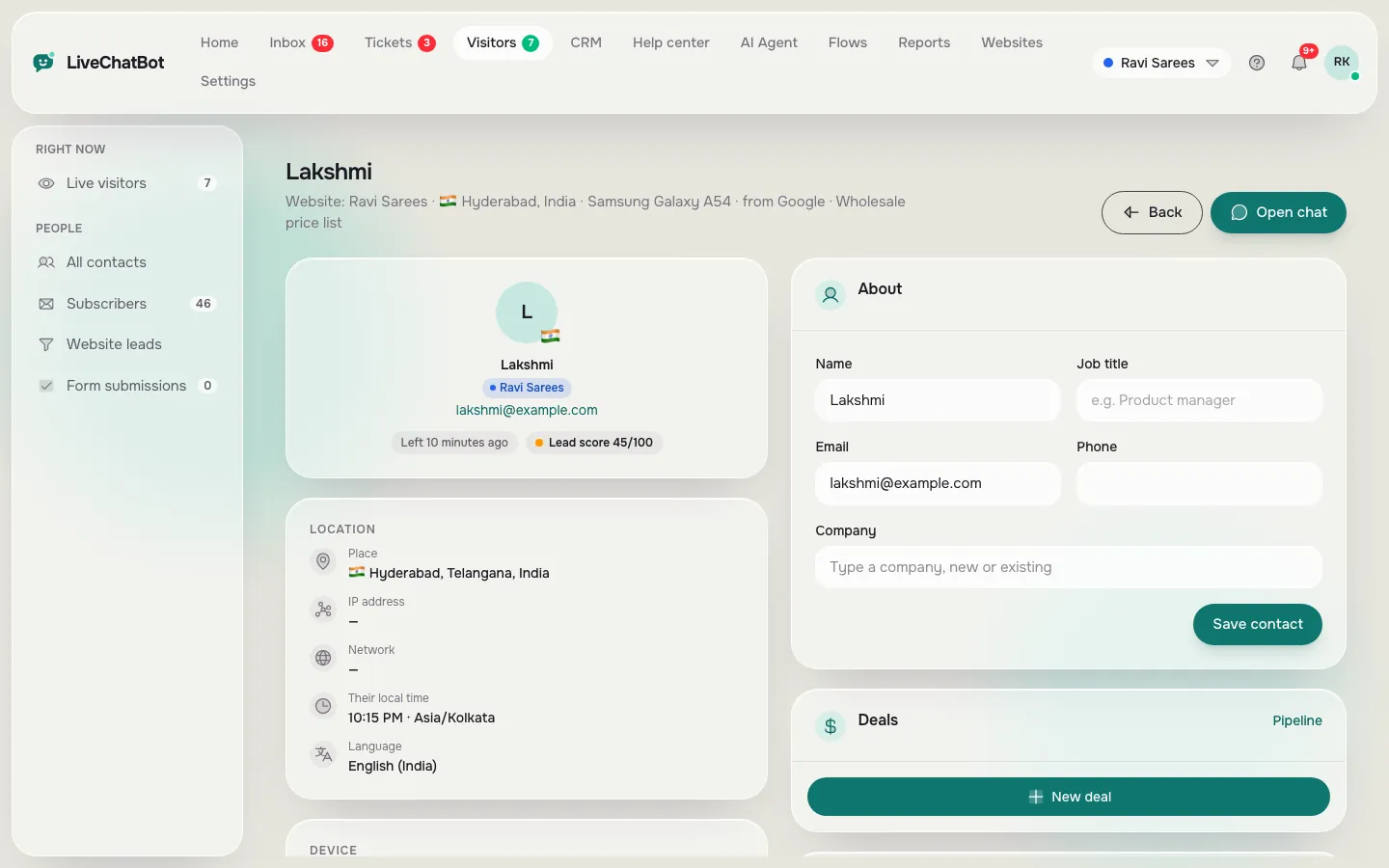
Visitor profiles
Location, local time, pages, device and past chats for every person.
See how it works →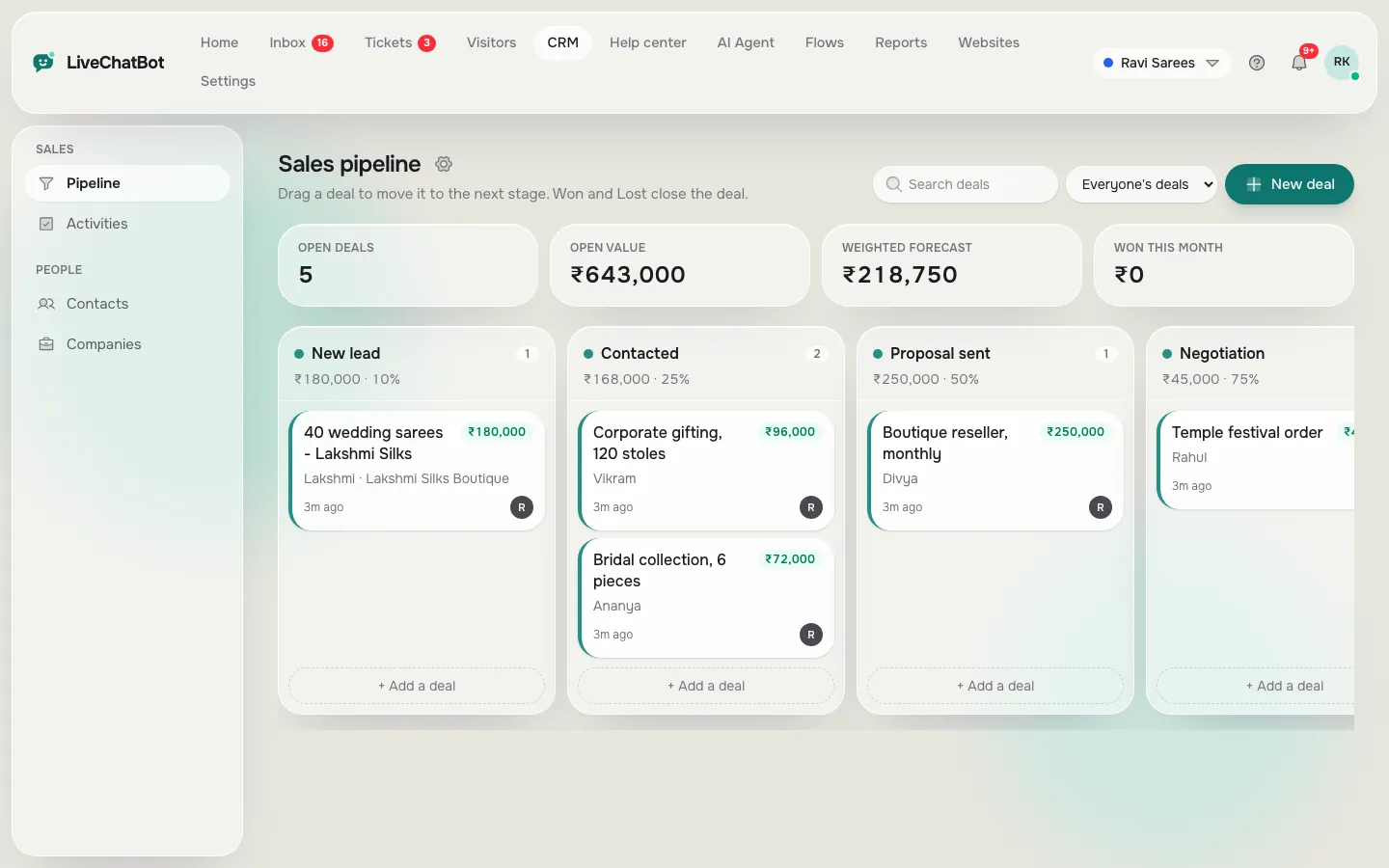
CRM and sales pipeline
Deals, companies and follow-up tasks linked to your chats.
See how it works →