Support and sales · Help center
Let customers find answers themselves
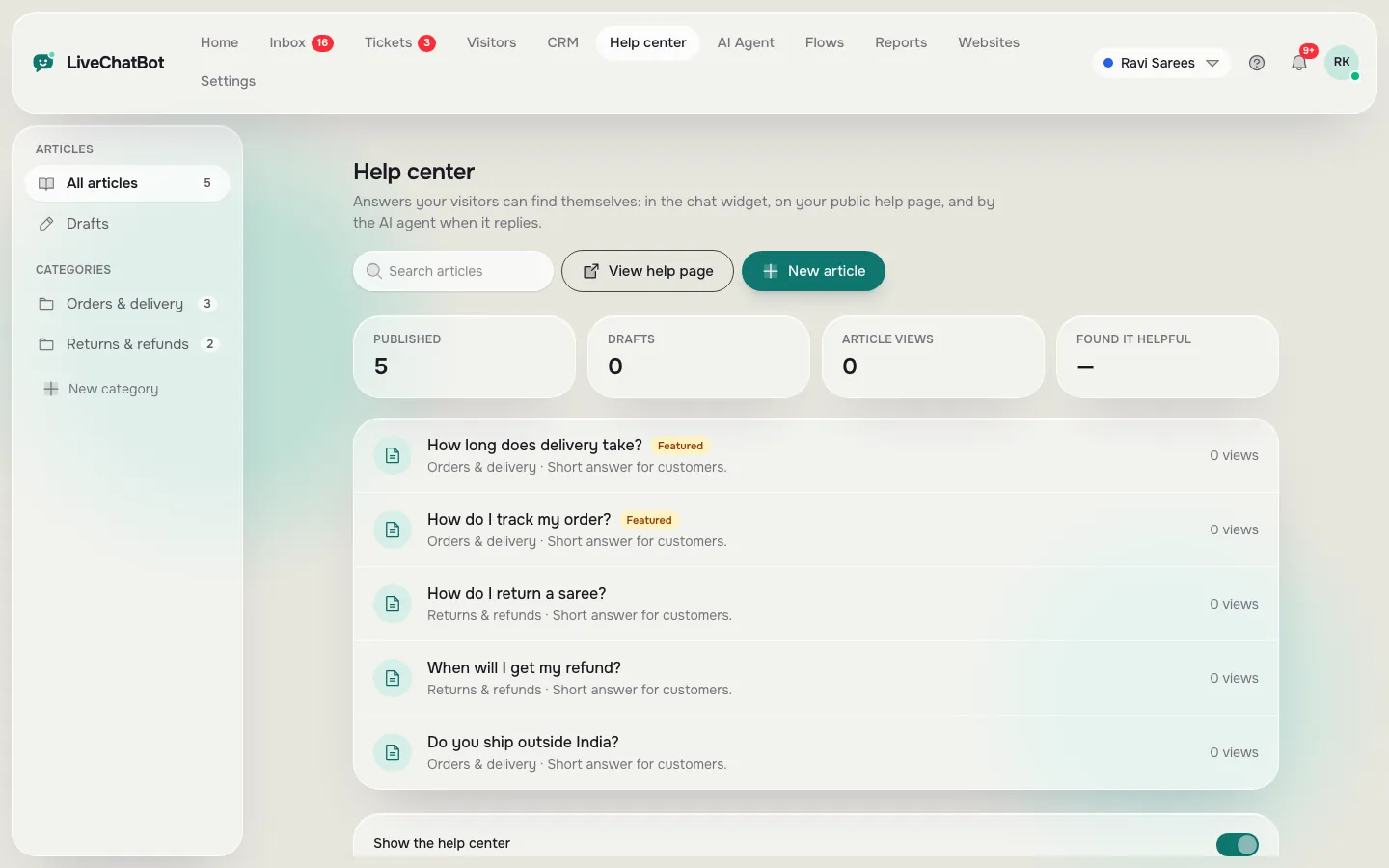
Write short articles for the questions you get most. Visitors search them in the chat widget and on your public help page, and the AI Agent uses them to answer.
How you’ll use it
What you actually do in LiveChatBot, step by step.
Write articles
Add a title, short answer and full answer, and pick a category.
Feature the best ones
Featured articles show first in the chat widget.
Share the page
Link your public help page from your website or emails.
What you’ll see
Real screens from the LiveChatBot panel, shown with sample data. Tap any picture to see it full size.

What it does
Search in the chat
Visitors find answers without waiting.
Public help page
A full help site for each website.
Feeds the AI Agent
Published articles become AI knowledge.
Views and helpful votes
See which articles people read.
Questions about Help center
Is the help center part of the chat?
Yes. Search and popular articles appear on the chat home screen, and there is also a public page.
Does the AI Agent read my articles?
Yes. Published articles are part of the AI Agent’s knowledge.
Works well with
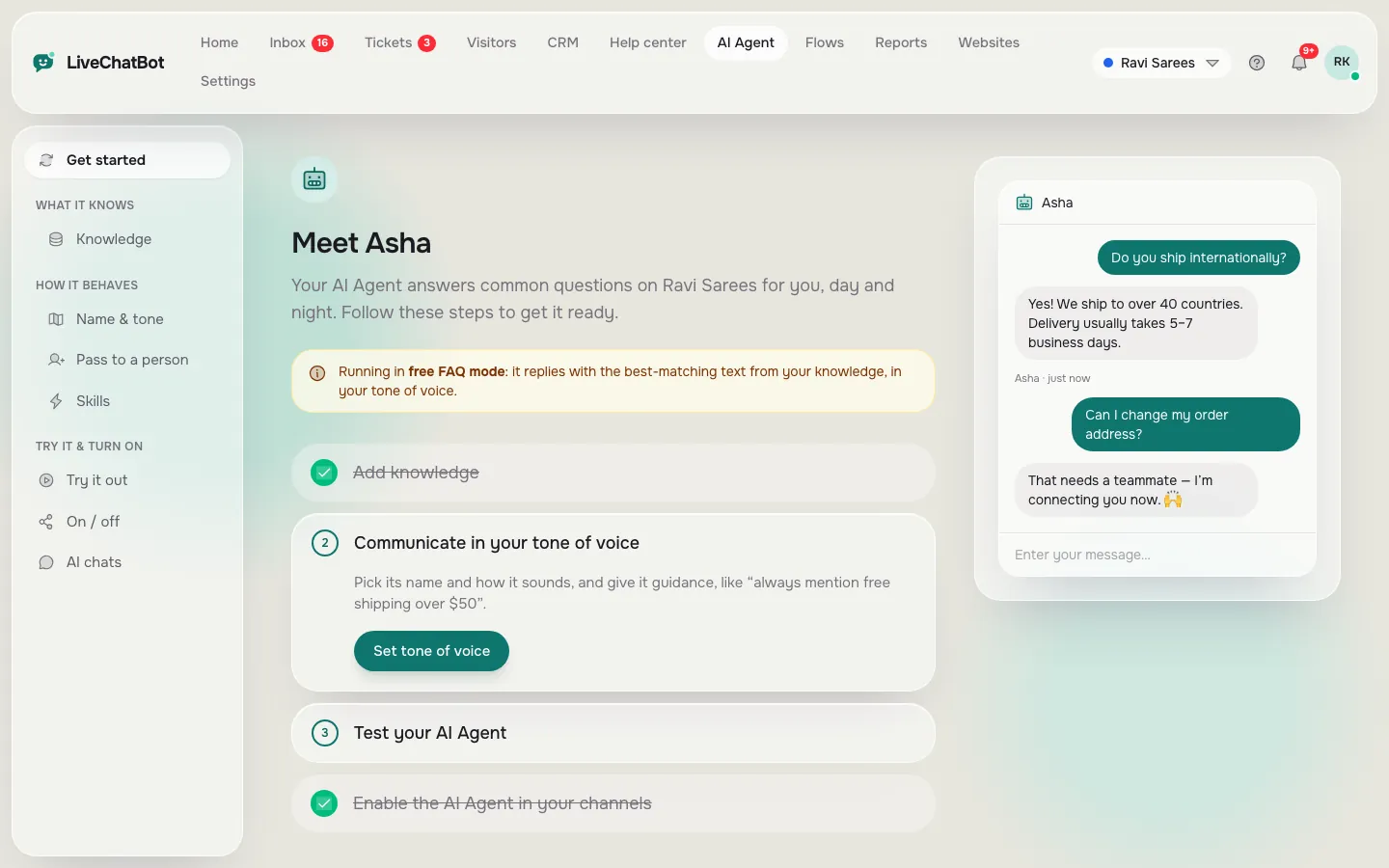
AI Agent
Answers common questions from your own content, day and night.
See how it works →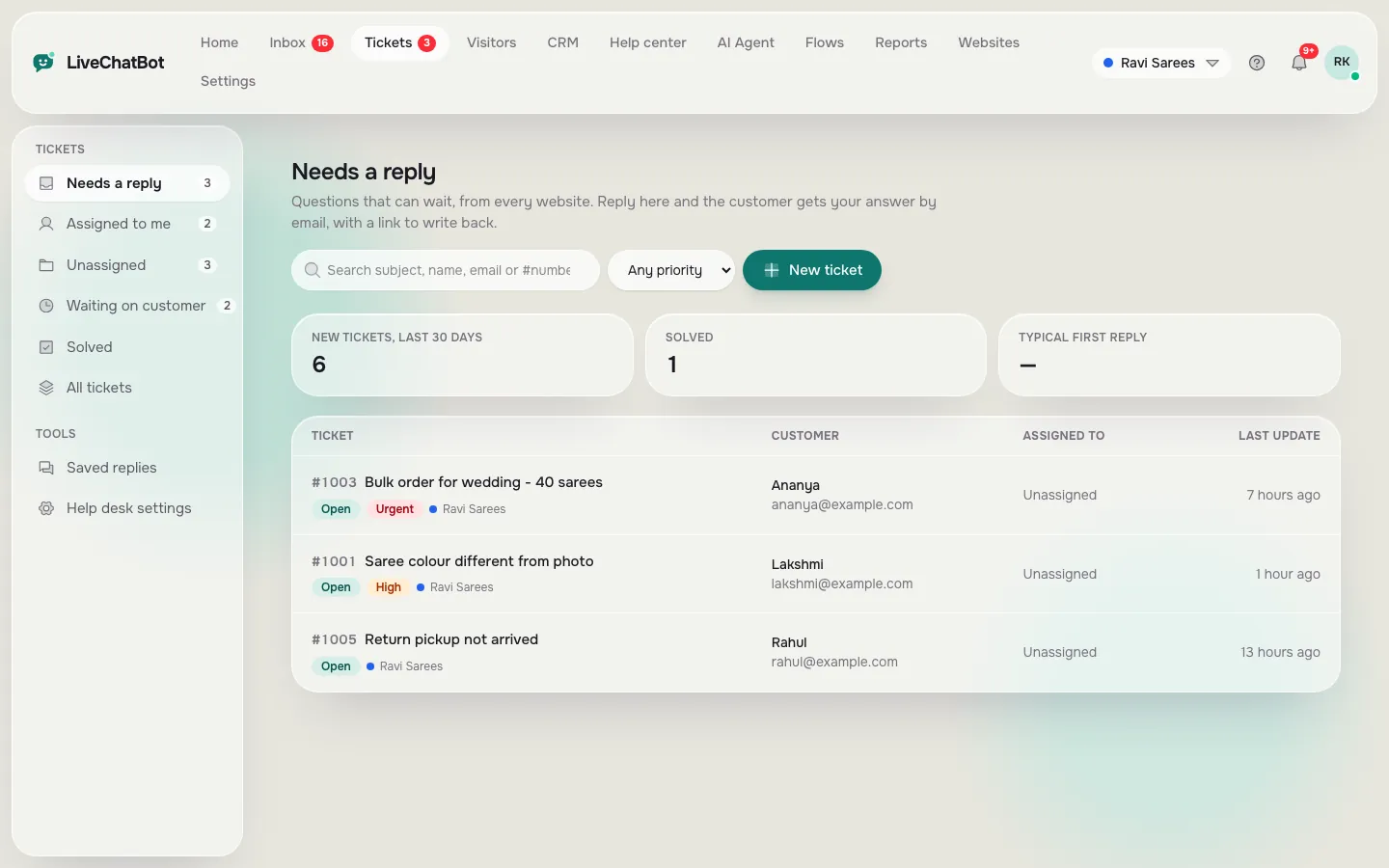
Help desk and tickets
Tickets with status, priority, owner, saved replies and a customer page.
See how it works →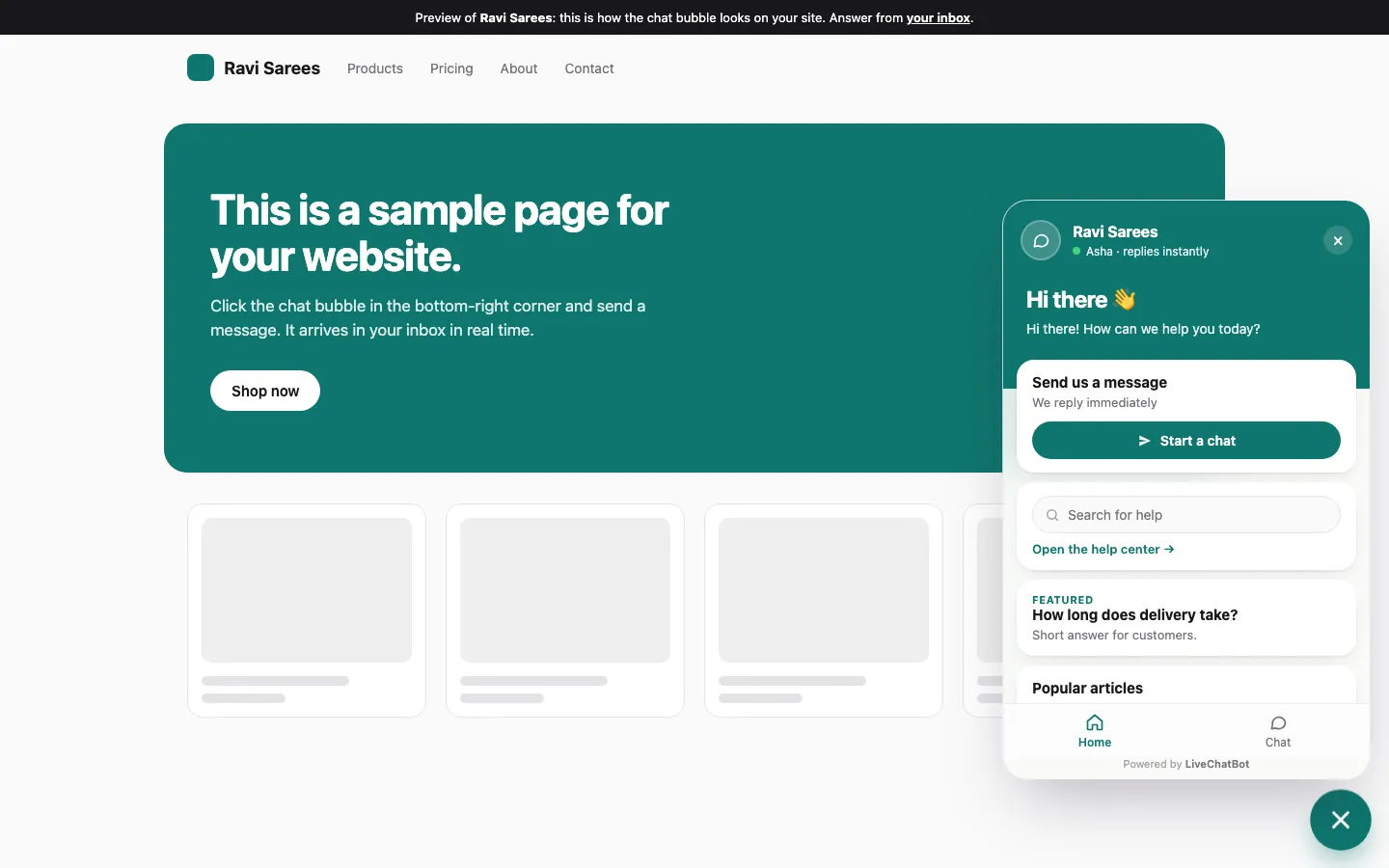
Live chat widget
A light chat bubble for any website, on desktop and phone.
See how it works →